Restaurant Workforce Management Software
Build better schedules, manage availability, track hours and breaks, handle PTO, reduce last-minute changes, and control labor costs across every venue.
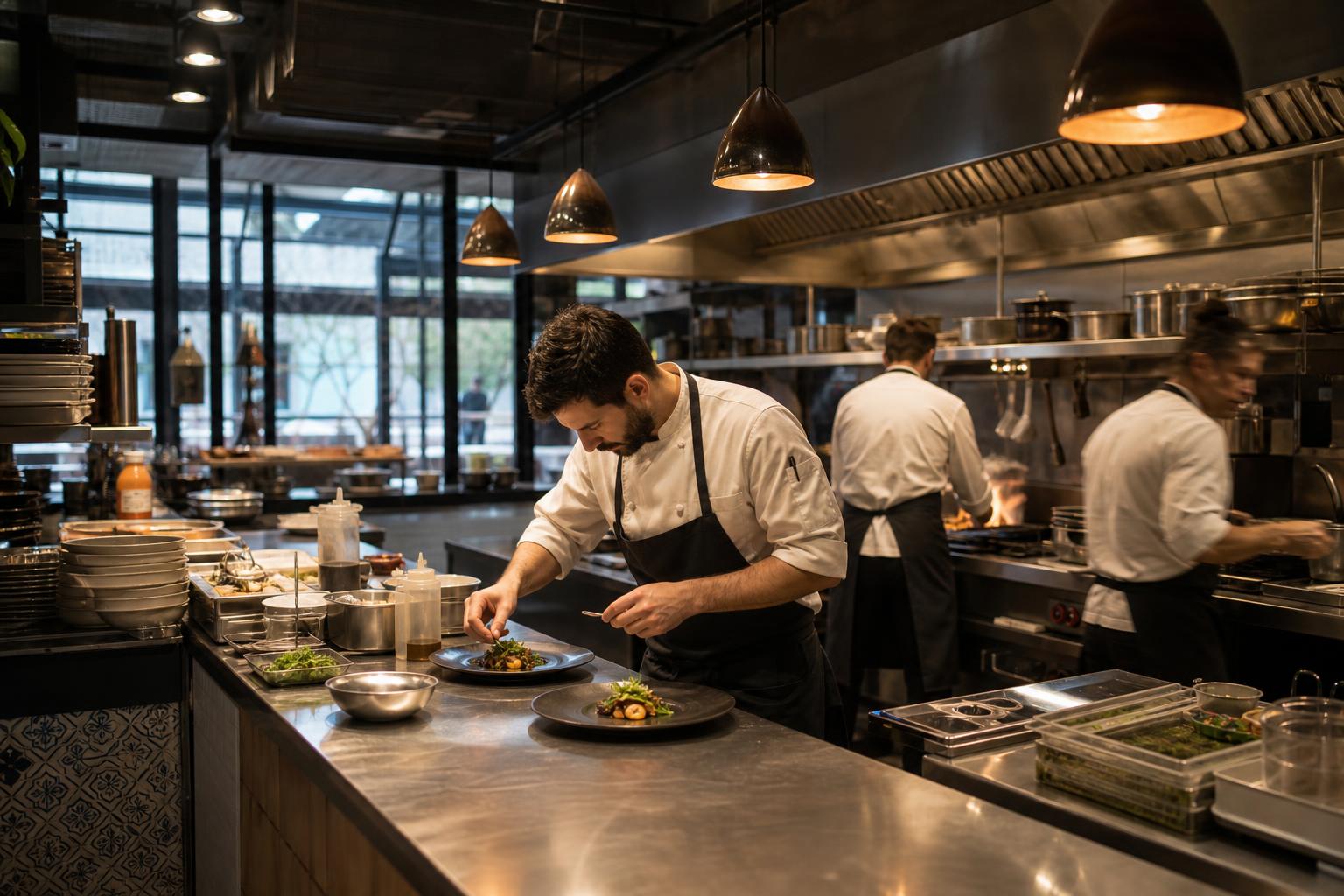
Restaurant labor changes by the hour — your tools should keep up
Restaurants deal with changing demand, shift swaps, part-time availability, PTO, breaks, labor costs, and fast schedule changes. Managers need a system that connects scheduling, requests, time tracking, and payroll-ready records — not five different apps glued together.
When schedules live in a spreadsheet and swaps live in a group chat, last-minute changes turn into missed shifts, overtime surprises, and a payroll cycle full of corrections.
Grownu brings restaurant scheduling, mobile shift requests, PTO, time and break tracking, AI demand-based planning, and labor cost visibility into one platform built for hourly teams.
-
Demand changes every shift
Friday night isn't Tuesday lunch — schedules must adapt.
-
Part-time availability shifts weekly
Students, second jobs, seasonal staff.
-
Labor cost surprises
Overtime and over-staffing eat margin fast.
-
Disconnected payroll prep
Hours, tips, breaks, and PTO in different tools.
A restaurant workflow built for fast-changing shifts
Forecast demand, build the schedule, handle availability and PTO, publish to mobile, track time and breaks, compare planned vs actual, and export payroll-ready records.
-
1Step 01
Forecast demand
Plan coverage based on sales patterns and expected volume.
- Demand-based templates
- Day-part planning
- AI suggestions
-
2Step 02
Build the schedule
Assign shifts by role, venue, and station — with PTO and availability visible.
- Drag-and-drop scheduling
- Per-role coverage
- PTO visibility
-
3Step 03
Handle requests and PTO
Approve PTO, swaps, and availability changes from one queue.
- Mobile PTO requests
- Shift swaps
- Availability windows
-
4Step 04
Publish to mobile
Staff see shifts, swaps, and changes on their phone instantly.
- Mobile-first delivery
- Push notifications
- Swap offers
-
5Step 05
Track time and breaks
Clock-ins, breaks, and overtime tracked in real time.
- Mobile or terminal clock-in
- Break compliance
- Overtime alerts
-
6Step 06
Compare planned vs actual & export
See how the day stacked up and export payroll-ready records.
- Planned vs actual
- Labor cost visibility
- Payroll-ready exports
One connected restaurant operation
Demand, schedules, requests, time, breaks, and labor cost in one Grownu workflow — so every shift ends with a clean payroll-ready record.
Employee scheduling by role, shift, and venue
Build schedules that match how the restaurant actually runs — by role, by station, by day-part, and by venue. Adjust in seconds when the night calls for it.
Accurate clock-ins and compliant breaks
Track time and breaks from mobile or a venue terminal. Required breaks are enforced and exceptions are flagged for approval — so payroll doesn't surprise anyone.
- Mobile or terminal clock-in
- Required break tracking
- Overtime alerts
- Exception review
- Per-venue rules
- Records ready for payroll

Mobile shift requests, swaps, and availability
Part-time staff change availability week to week. Mobile-first swaps and requests reduce text messages and missed shifts.
Terminals at the venue, mobile clock-ins for off-site
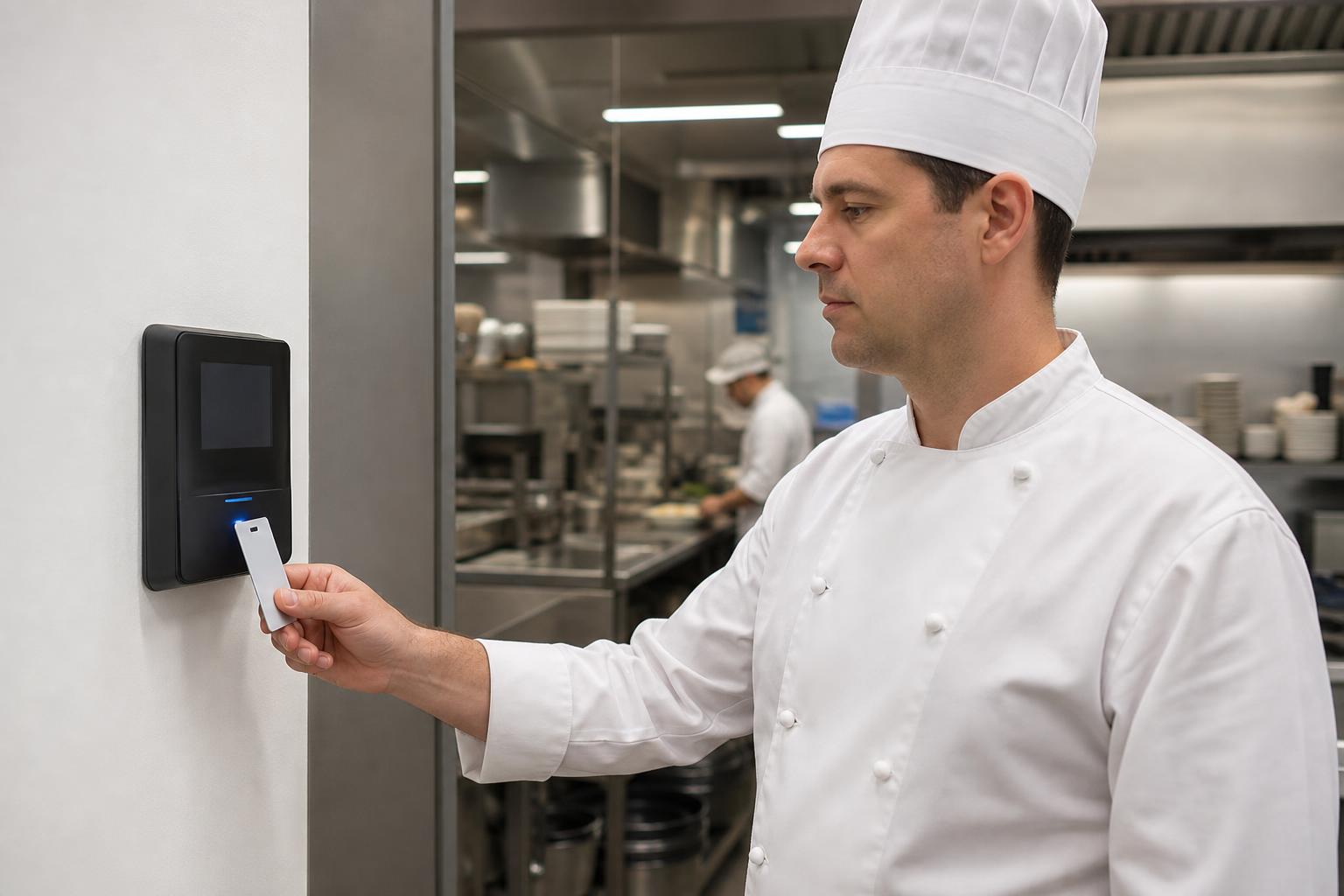
Most venues use a wall-mounted or counter terminal at the back-of-house. Catering, off-site events, and multi-venue managers use the mobile app. All records flow into the same timesheet.
- Wall-mount and counter terminals
- RFID and badge clock-ins
- Mobile clock-in for off-site
- All records on one timesheet
- Per-venue setup
- Outdoor-rated options
Labor cost visibility and AI scheduling based on demand
Stop staffing on guesses. See labor cost as you build the schedule, and use AI suggestions to plan coverage around expected volume.
Reports and payroll-ready records for every venue
Export clean timesheets, tips, breaks, and overtime per venue and per employee. Your payroll team gets structured data, not spreadsheets.
One restaurant workforce system, multiple connected workflows
Pick the workflow you want to start improving first.
Restaurant scheduling
Plan shifts by role, station, and venue.
Restaurant time tracking
Clock-ins, breaks, and overtime.
PTO and availability
Mobile PTO requests and availability windows.
Labor cost control
See cost as you build the schedule.
AI shift scheduling
Coverage based on demand.
Terminals and mobile clock-ins
Wall-mount, RFID, or mobile.
Built for restaurants, cafés, and multi-venue groups
Grownu is useful for any restaurant operation with hourly staff, fast-changing schedules, and multi-venue management.
- Full-service restaurants
- Quick-service restaurants
- Cafés and coffee shops
- Bars and nightlife venues
- Multi-venue restaurant groups
- Catering operations
- Hotel restaurants
- Cloud and ghost kitchens
- Franchise restaurant networks
Frequently asked questions
Common questions about using Grownu for restaurant workforce management, employee scheduling, mobile requests, PTO, time tracking, break tracking, labor cost visibility, AI scheduling, and payroll-ready records.
Can restaurant staff request shifts, availability changes, and PTO from a phone?
Yes. Restaurant staff can submit availability, PTO, leave, and shift swap requests from mobile. Managers can review requests in one place before publishing or updating the schedule.
Can Grownu schedule restaurant employees by role, station, venue, or day-part?
Yes. Grownu helps restaurants build schedules by role, station, venue, shift, day-part, and location. Managers can plan coverage for servers, hosts, kitchen staff, bar staff, managers, catering teams, and multi-venue groups.
Can Grownu help control restaurant labor costs?
Yes. Grownu helps managers see scheduled hours, actual hours, overtime, planned vs actual variance, and labor cost visibility while building and reviewing schedules.
Does Grownu support multiple restaurant venues?
Yes. Restaurant groups can manage schedules, time tracking, PTO, attendance records, labor reports, and payroll-ready exports per venue or across multiple locations.
Can Grownu track required breaks and overtime?
Yes. Grownu helps track clock-ins, clock-outs, required breaks, missed breaks, overtime, late arrivals, missed clock-outs, and exceptions that need manager review.
Can restaurants use mobile clock-ins and time attendance terminals?
Yes. Restaurants can use mobile clock-ins, wall-mounted terminals, counter terminals, RFID or badge clock-ins, and outdoor-rated options depending on the venue setup.
Can shifts be planned around demand?
Yes. Grownu can support demand-based scheduling workflows and AI shift scheduling suggestions so managers can plan coverage around expected volume, day-parts, and sales patterns.
Can Grownu help reduce last-minute shift changes?
Yes. Grownu helps reduce last-minute changes by centralizing availability, PTO, open shifts, swap requests, mobile notifications, and manager approvals.
Can restaurant reports be exported for payroll?
Yes. Grownu helps prepare payroll-ready records such as approved timesheets, worked hours, breaks, overtime, PTO, attendance exceptions, and reports by employee, role, venue, or date.
Does Grownu replace my payroll system?
No. Grownu does not need to replace your payroll system. It helps prepare cleaner workforce records, timesheets, attendance data, break records, PTO records, and payroll-ready exports before payroll is processed.
Run restaurant labor with fewer surprises
Grownu brings scheduling, requests, time tracking, breaks, AI scheduling, and payroll-ready records into one platform.

