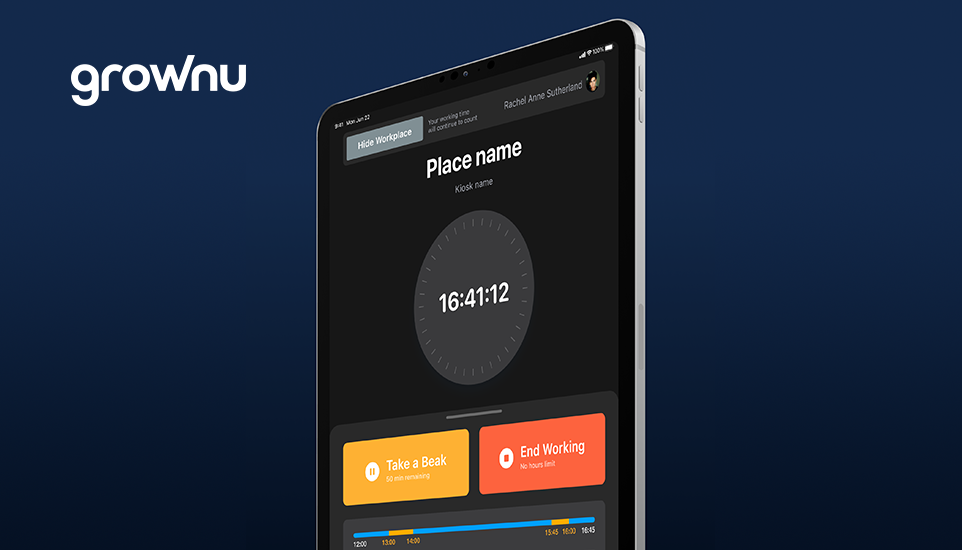
Time data affects payroll, overtime costs, project profitability, and compliance. When hours are tracked with paper or spreadsheets, small issues (missed punches, rounding, late approvals) turn into payroll corrections and avoidable labor spend.
A digital work time tracking system replaces manual input with timestamped clock-ins, clear rules, and manager approvals. When time tracking is connected to workforce management (scheduling + attendance + reporting), companies get cleaner data and fewer surprises.
- Best for: shift-based teams, multi-location businesses, field service, construction, logistics, retail, hospitality
- Biggest wins: fewer payroll errors, overtime control, faster approvals, compliance-ready records
Outline of the Article
- What is digital work time tracking?
- Accurate clock-ins and fewer mistakes
- Faster payroll with approvals
- Overtime visibility and cost control
- Better scheduling decisions
- More productivity for managers
- Employee transparency and trust
- Compliance-ready records
- Field & remote tracking with GPS
- Better reporting and analytics
- Scalable workflows as you grow
- What to look for in time tracking software
- FAQs
What is digital work time tracking?
Digital work time tracking is a system that records employee clock-in, clock-out, breaks, and worked hours using a mobile app, web clock-in, or on-site devices (such as time attendance terminals). The goal is simple: turn time data into payroll-ready, reportable information—without manual edits and confusion.
1) Accurate clock-ins and fewer mistakes
Manual tracking creates predictable issues: missed punches, inconsistent rounding, and “helpful edits.” Digital tracking uses timestamped records, controlled changes, and exception visibility—so disputes drop and data quality improves.
2) Faster payroll with approvals
Payroll runs smoother when time is already structured. Managers review exceptions, approve time, and export payroll-ready totals with fewer corrections. This reduces late payroll runs and prevents monthly “fix everything at the end” chaos.
3) Overtime visibility and cost control
Digital time tracking helps you spot overtime trends early. Alerts for long shifts, early clock-ins, and unapproved overtime make it easier to intervene before labor costs spike.
4) Better scheduling decisions
When time tracking connects with scheduling, you can compare planned vs actual hours and adjust staffing based on real demand. This reduces understaffing during peaks and prevents overtime caused by avoidable coverage gaps.
5) More productivity for managers
Automation reduces admin work: fewer manual checks, fewer follow-ups, fewer payroll corrections. Managers spend more time on operations and coaching, less time policing timesheets.
6) Employee transparency and trust
Employees benefit too: clear worked hours, clear approvals, and fewer disputes. Self-service access to schedules/time records improves communication and reduces “what am I supposed to work?” confusion.
7) Compliance-ready records
Accurate time records help with overtime rules, break tracking, and audits. When policies are applied consistently and edits are tracked, it’s easier to defend decisions and reduce compliance risk.
8) Field & remote tracking with GPS
For remote and field-based teams, mobile tracking is essential. With GPS time tracking, clock-ins can be verified by location—useful for construction, field service, and multi-site operations. (For industry examples, see field work teams.)
9) Better reporting and analytics
Digital tracking unlocks reporting: overtime, absences, late arrivals, planned vs actual hours, and exception reasons. These metrics show where labor costs leak and where processes need adjustment.
10) Scalable workflows as you grow
Spreadsheets break as soon as you add locations, departments, shift swaps, approvals, and audits. Digital workflows scale: role-based access, approvals, rules, and reporting keep operations consistent across teams.
What to look for in a digital time tracking system
- Multiple clock-in methods (mobile, kiosk/terminal, web)
- Approvals and controlled edits with clear history
- Overtime alerts and exception handling
- Multi-location support and role-based permissions
- Compliance-friendly records (breaks, overtime, audit trail)
- Reporting (overtime, absences, planned vs actual)
- Integration with scheduling and payroll (or built-in suite via workforce management)
Conclusion
Digital work time tracking is one of the fastest upgrades you can make to improve payroll accuracy, labor cost control, and operational visibility. With clean time data and an approval workflow, workforce processes become repeatable and easier to scale.
Explore Grownu workforce management solutions to connect scheduling, time tracking, attendance, and reporting in one system.
Frequently Asked Questions
Last updated: January 23, 2026