Grownu mobile app time attendance terminal

Use Any Phone or Tablet as a Time Clock Terminal

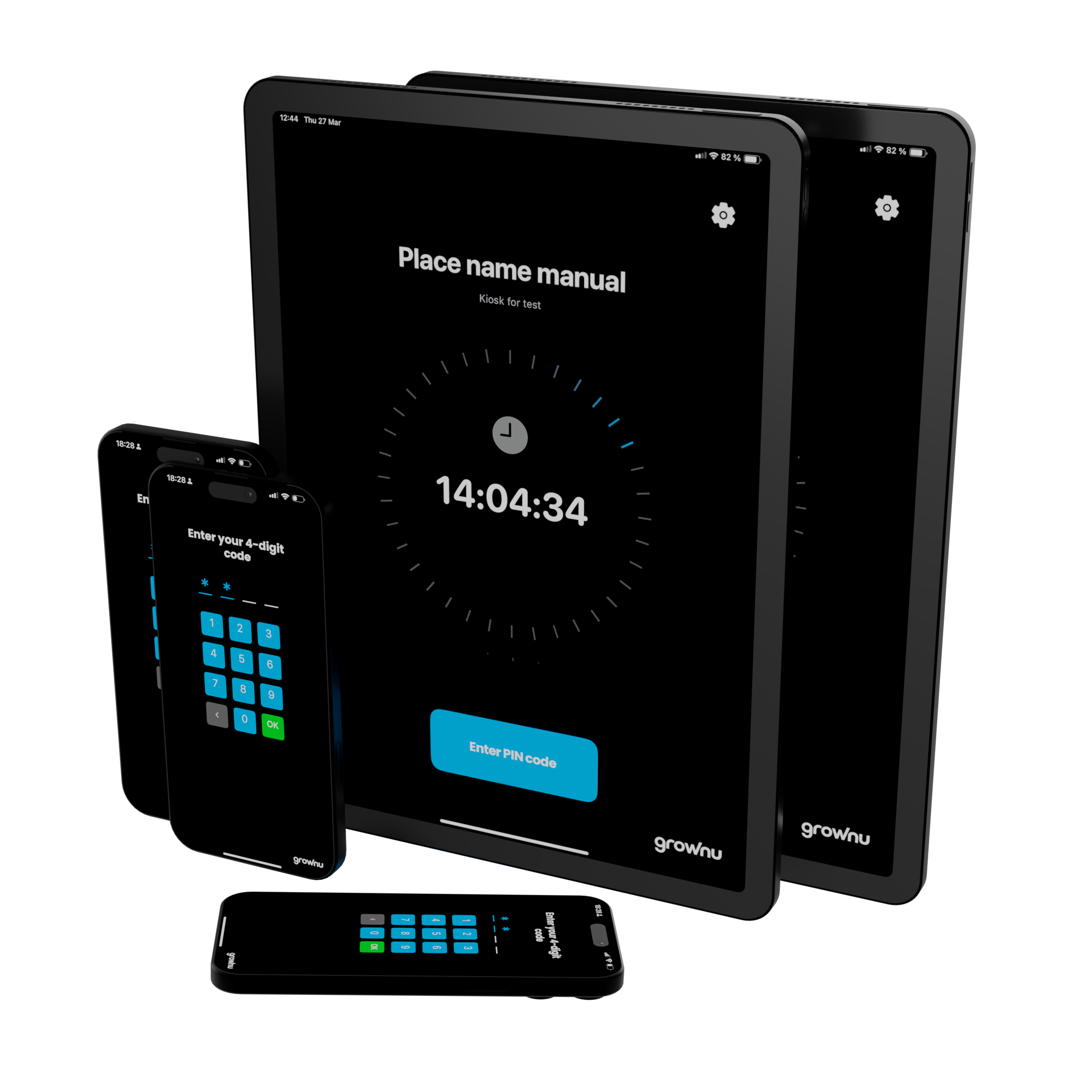
Stop chasing paper timesheets and “rounded” hours. With Grownu, you can turn any iOS or Android device into a secure shared time clock kiosk—so employees clock in and out in seconds using a PIN (with optional photo capture). Every punch syncs instantly to your dashboard for cleaner payroll, fewer disputes, and better labor visibility.

Hardware can be $0 when you use devices you already own—no dedicated time clock purchase required.

Active employees
Terminals in use
Teams choose this for a reason.

A Mobile Time Clock That Works Like a Real Terminal

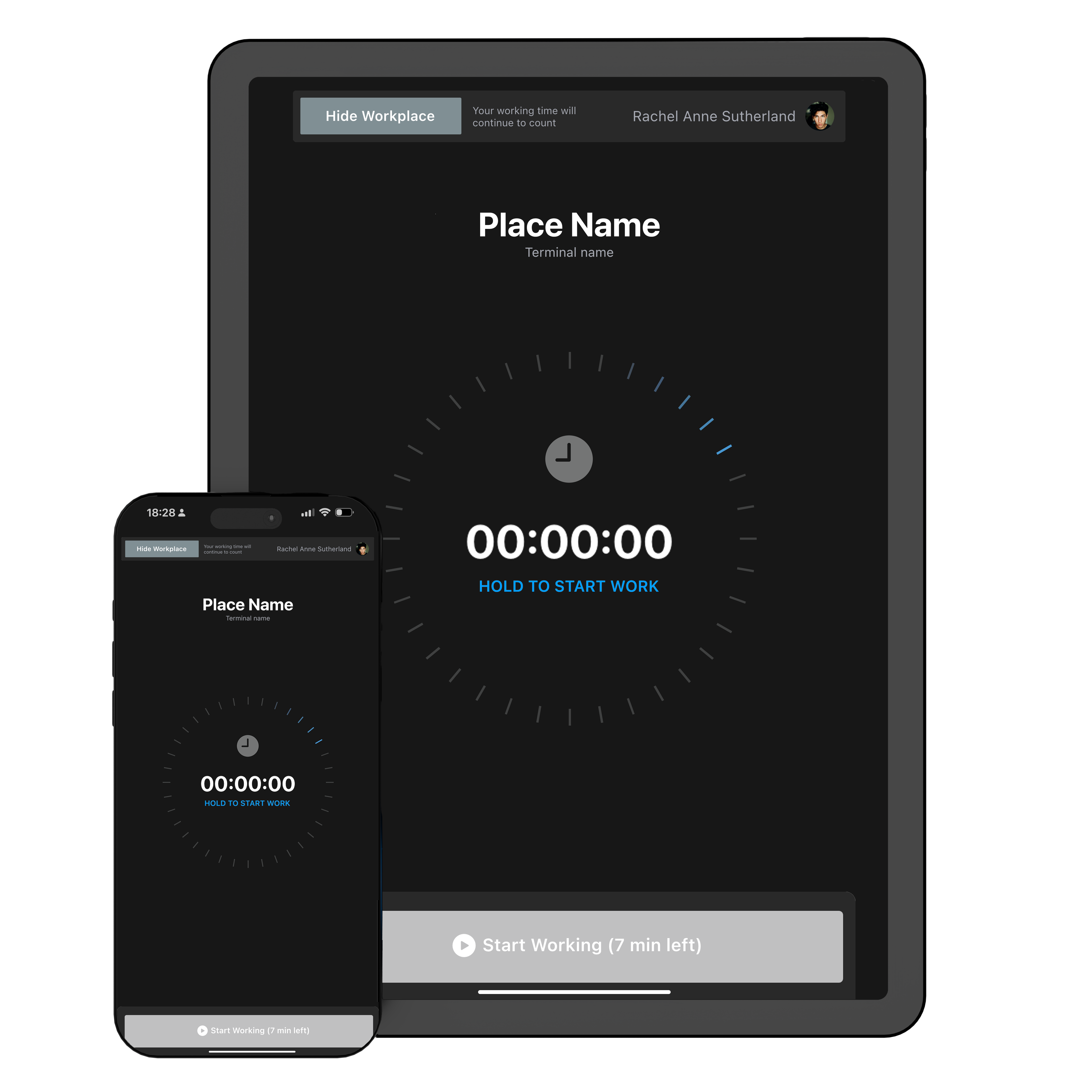
Need a time clock at the front door, break room, warehouse entrance, or job site—but don’t want to buy hardware? The Grownu Mobile App turns any phone or tablet into a shared time clock terminal, with the controls you need to protect payroll and keep attendance consistent across teams.

$0 hardware time clock terminal on a phone or tablet (BYOD kiosk)

$0 Hardware When You Bring Your Own Device

Turn an existing phone or tablet into a shared time clock terminal. No shipping, no on-site install, and no dedicated hardware purchase. If you already have the device, the “terminal” cost can be $0.

It’s the fastest way to roll out reliable clock-ins—ideal for growing teams, multi-location operations, and companies replacing paper timesheets or spreadsheets.

Fast setup for a mobile time clock terminal app

Go Live in Minutes—No IT Project

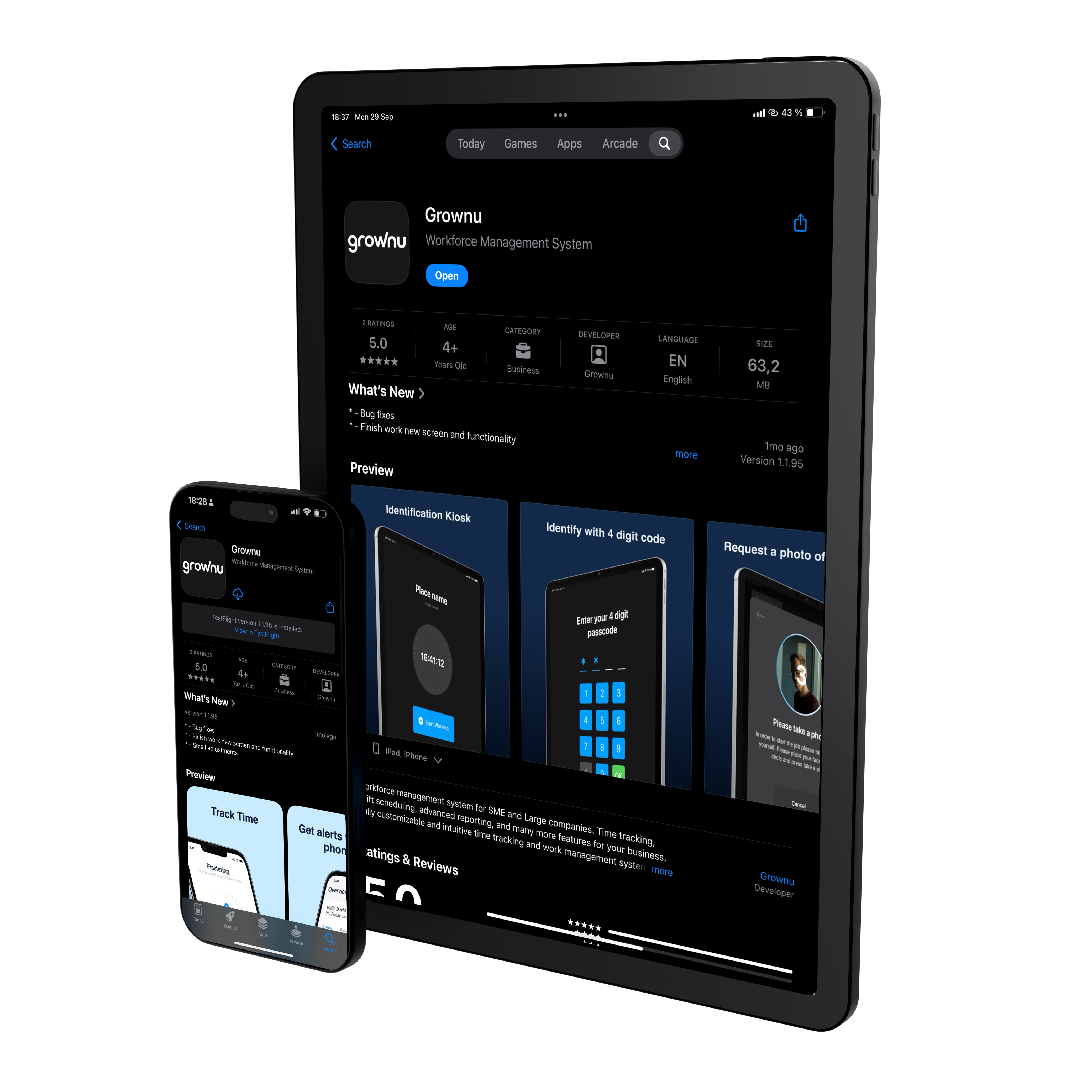
Install the app, sign in, and start clocking in. No technician, no wiring, no on-site configuration. Employees get a simple clock-in screen while managers get real-time visibility and reports.

Perfect for teams who need a time clock kiosk quickly—without waiting on hardware delivery.

Mobile time clock terminal app on iOS and Android devices

Works on iOS & Android

Use iPhone, iPad, or Android phones and tablets—whatever your team already has. For best reliability in kiosk-style setups, we recommend modern OS versions and a stable internet connection.

Kiosk mode for a tablet time clock (Guided Access on iOS, Screen Pinning on Android)

Kiosk Mode for Shared Clock-In Stations

Make the device behave like a dedicated terminal. On iOS, use Guided Access. On Android, use Screen Pinning. This locks the device to the time clock screen—so employees can’t switch apps, change settings, or use the device for anything else.

Great for entrances, break rooms, warehouses, and high-traffic clock-in points.

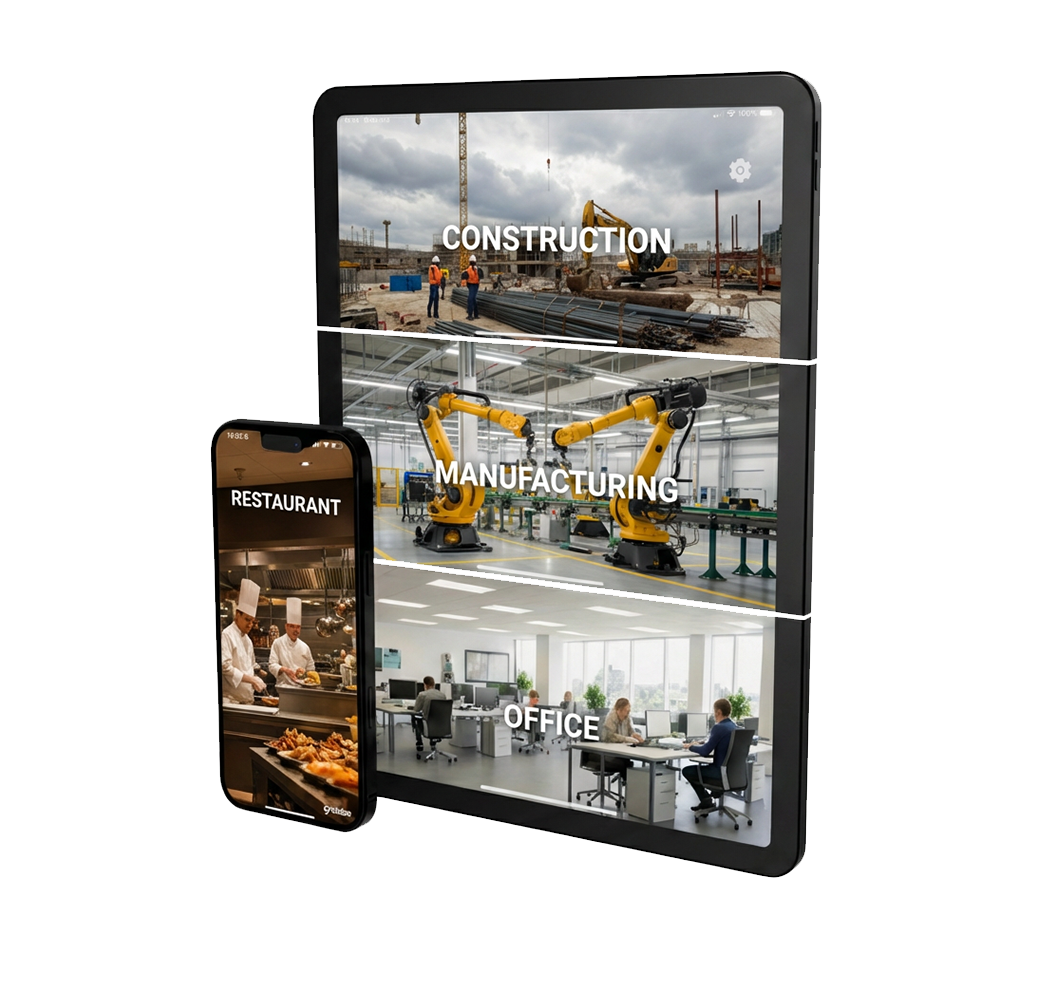
Mobile time clock terminal for offices, warehouses, retail, restaurants, and job sites

Deploy Anywhere—Office, Warehouse, or Job Site

Put a time clock terminal wherever your team works: offices, warehouses, retail, restaurants, manufacturing, or job sites. If the device has internet (Wi-Fi or mobile data), it works.

Need to move it? Just move the device—no reinstall required and reporting stays centralized.

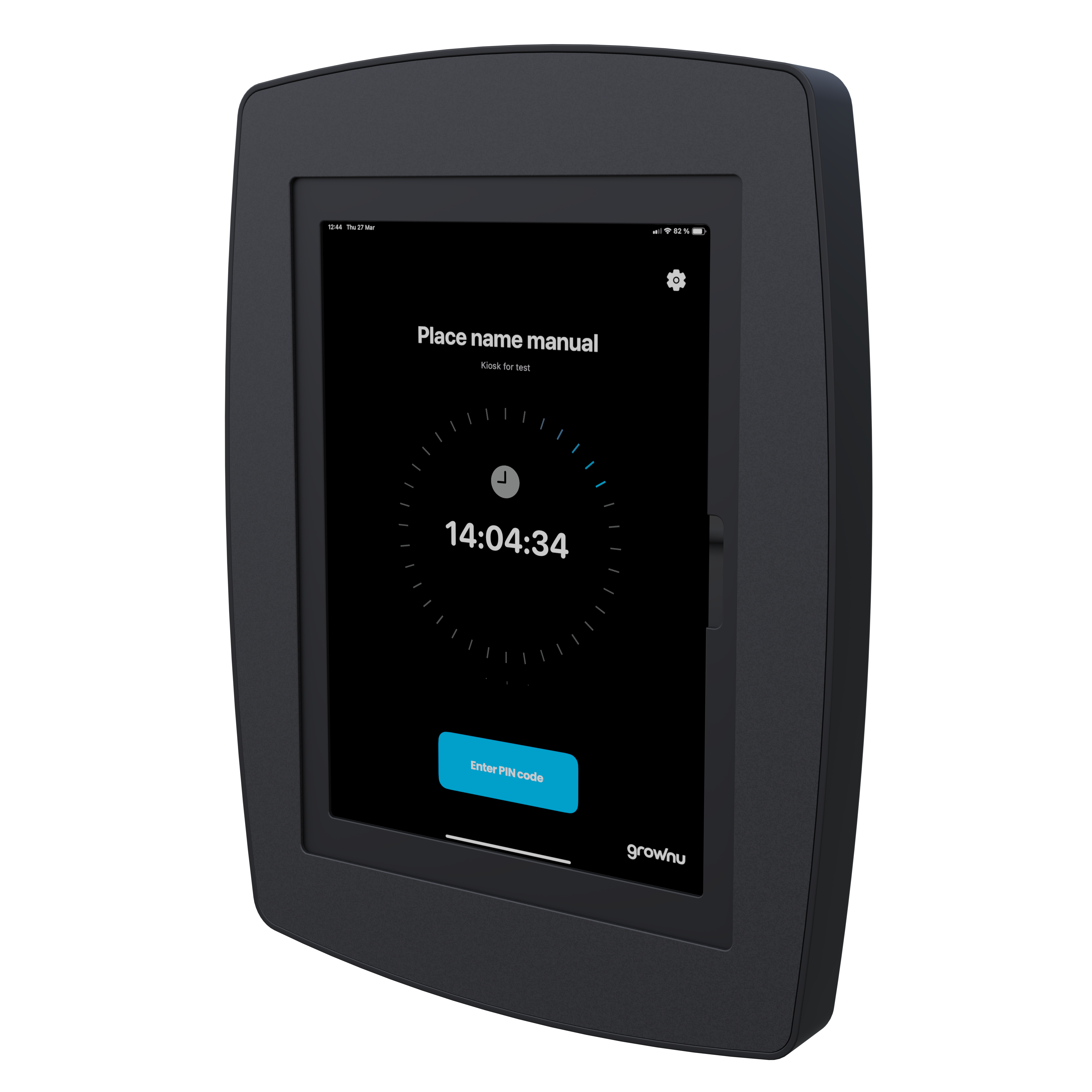
Secure tablet wall mount or enclosure for a shared time clock terminal

Optional Wall Mounts & Secure Enclosures

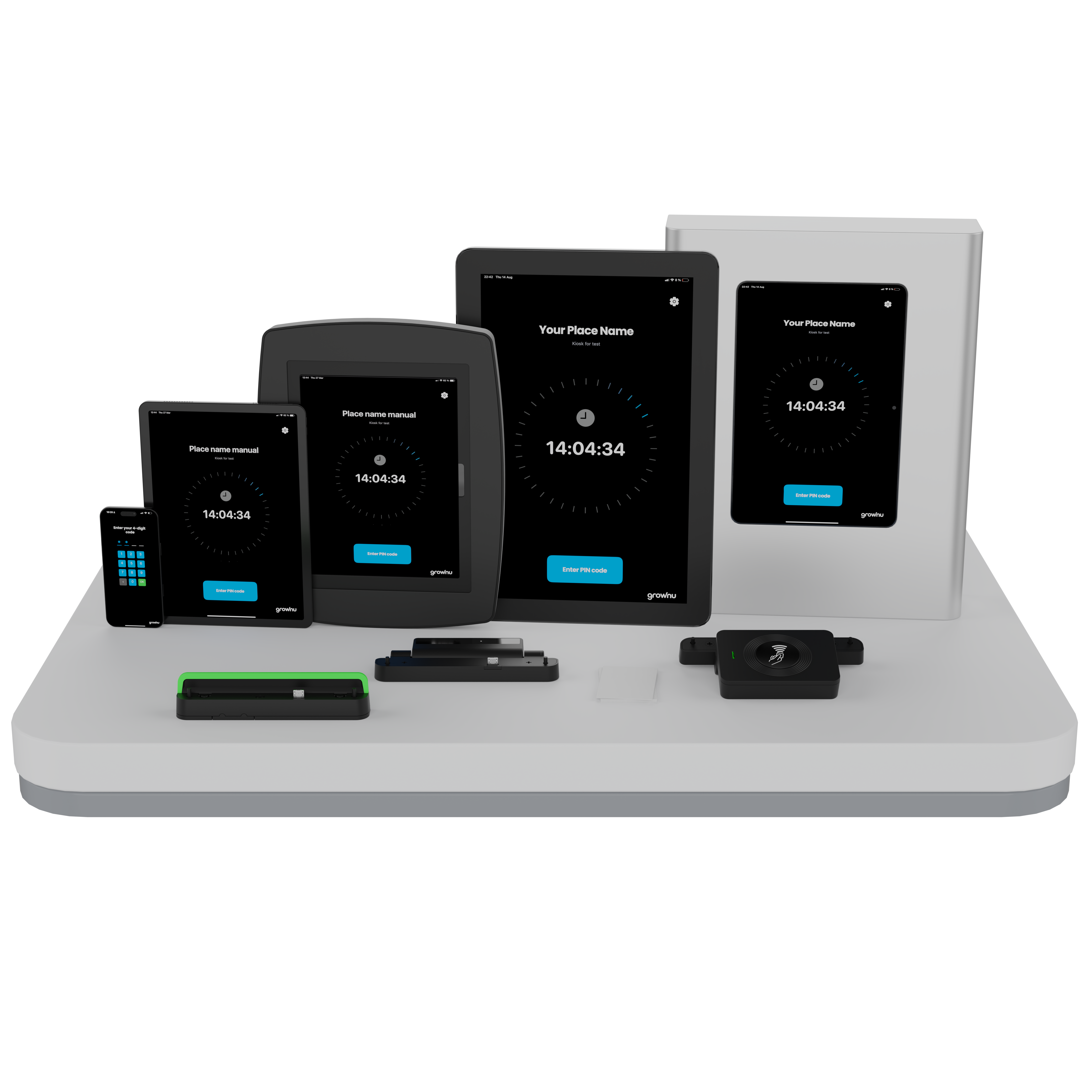
Want the clean “dedicated terminal” feel? Use a wall mount or enclosure to keep the tablet safe, charged, and positioned where employees clock in.

We offer secure wall mounts and enclosures designed for shared spaces— helping reduce tampering, theft, and accidental drops.

Hardware cost $0 when you use your own phone or tablet

Tailored to Your Operation

We can adapt Grownu time clock setups to your business—from workflows and permissions to device configuration and on-site requirements.

Scalable Options

Start simple and expand as you grow. Choose the terminal type that fits today—and add features when you’re ready.

Not sure which terminal fits best?

Send us a message and we’ll recommend the right setup for your sites, shift rules, and team size.

Time Clock App Features Built for Accurate, Low-Friction Clock-Ins

Turn any iOS or Android phone/tablet into a shared time clock kiosk with Grownu: PIN clock-ins, optional photo capture, shift-based rules, an end-of-shift summary for employees, and manager controls for exceptions. For shared devices, we recommend kiosk lock (Guided Access on iOS or Screen Pinning on Android). Works in the office, warehouse, retail, restaurants, and job sites.

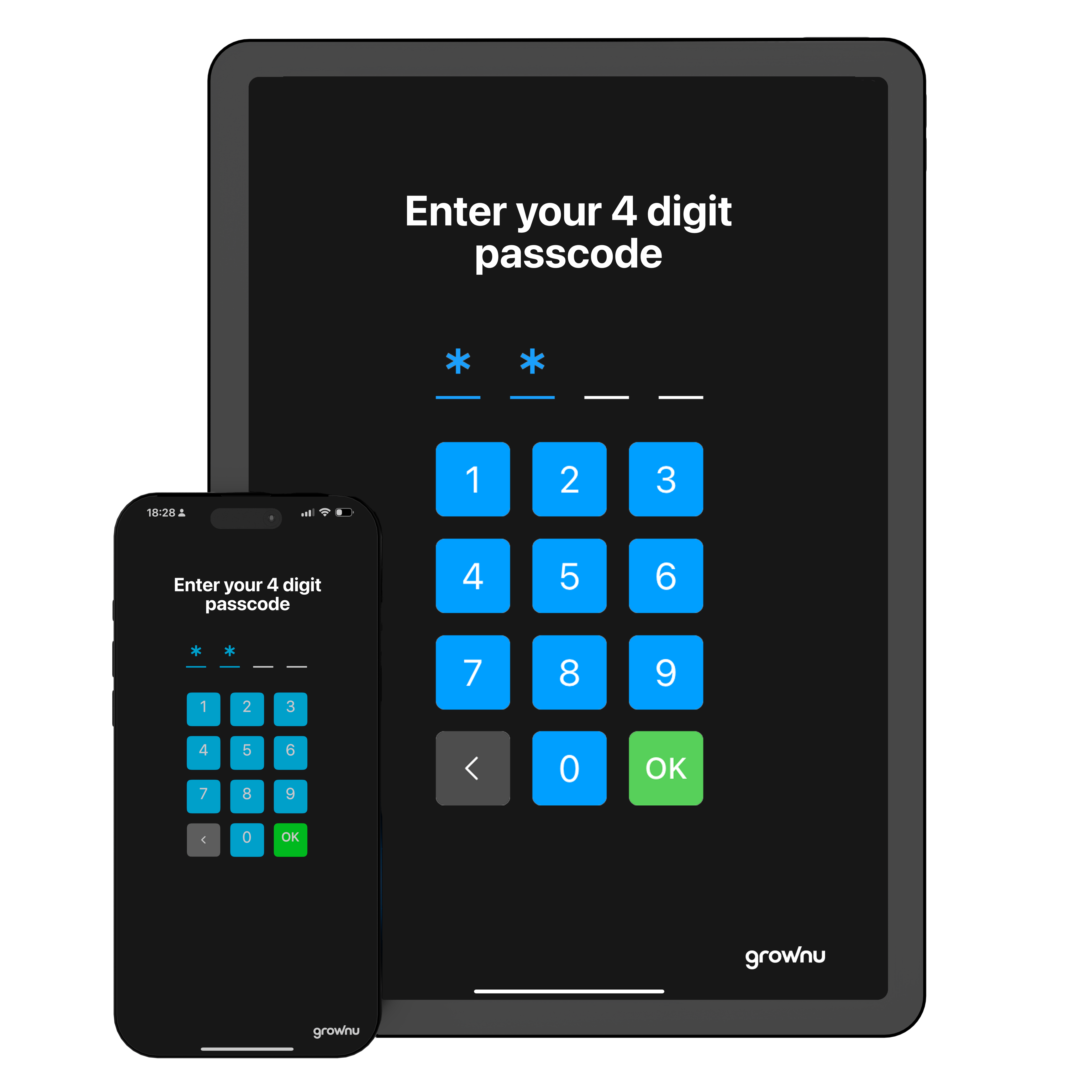
Employees clock in using a 4-digit PIN on a phone or tablet time clock

PIN Clock-Ins That Stay Simple (and Reliable)

Employees clock in and out with a 4-digit PIN—fast, familiar, and easy to train. It’s also a great backup when badges are forgotten or a team is rotating across locations.

Every punch is recorded with a timestamp and shows up in reporting immediately, helping reduce disputes and manual cleanup.

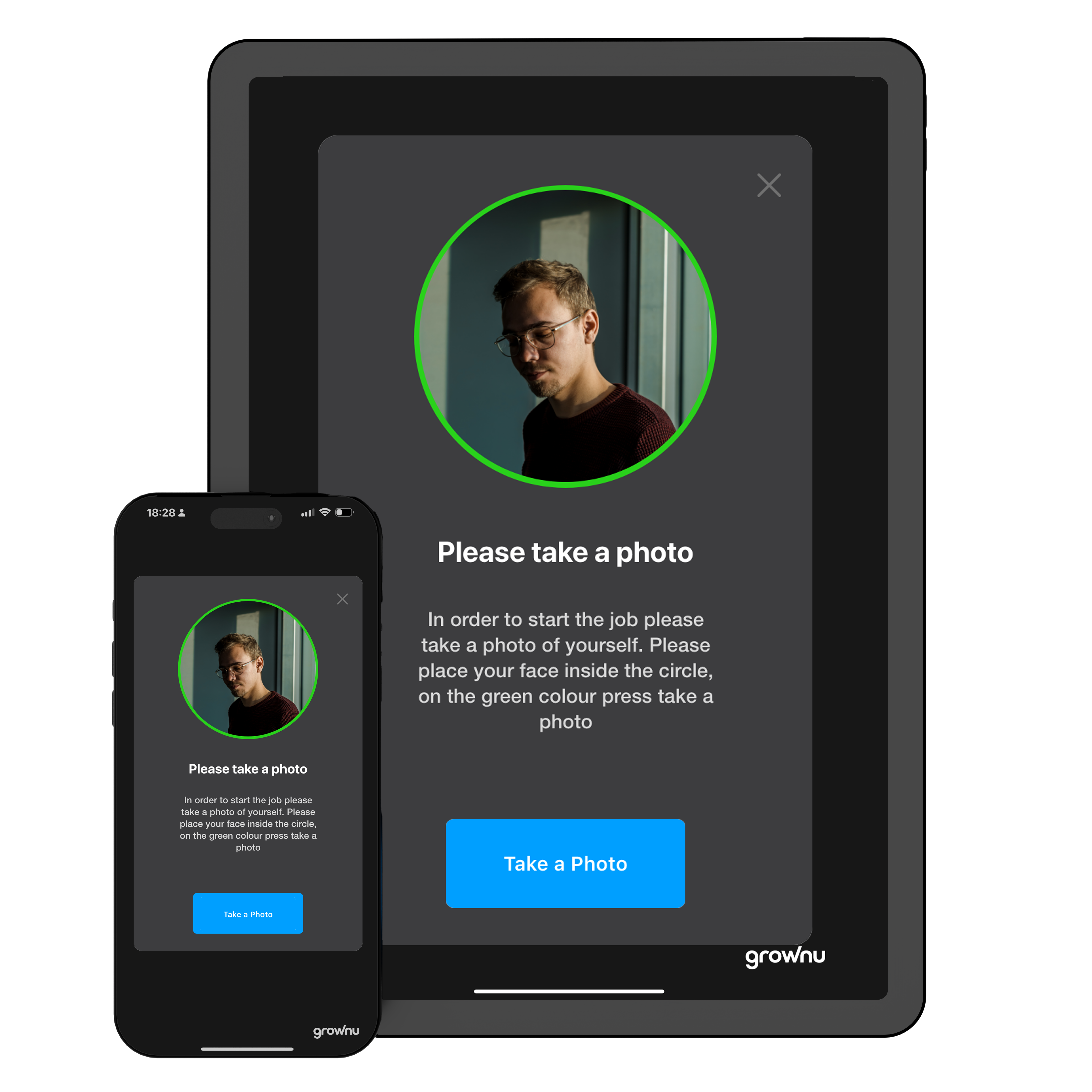
Optional photo capture at clock-in or out using a tablet or phone camera

Optional Photo Capture to Reduce Buddy Punching

If you need extra verification, enable photo capture at clock-in/out on devices with a camera. It’s a simple way to add accountability in shared-entry environments or high-turnover teams.

You can control retention settings to match your internal policies.

Clock-in restrictions based on scheduled shifts (clock-in window)

Shift Rules That Prevent Early Punches

Set clear clock-in windows tied to schedules—for example, allow clock-ins only up to 15 minutes before a shift. This helps prevent time padding, reduces payroll leakage, and keeps records consistent across teams.

When a punch falls outside the rules, you can flag it for review instead of letting errors quietly flow into payroll.

End-of-shift summary showing worked time and breaks on the device

End-of-Shift Summary Employees Can See Instantly

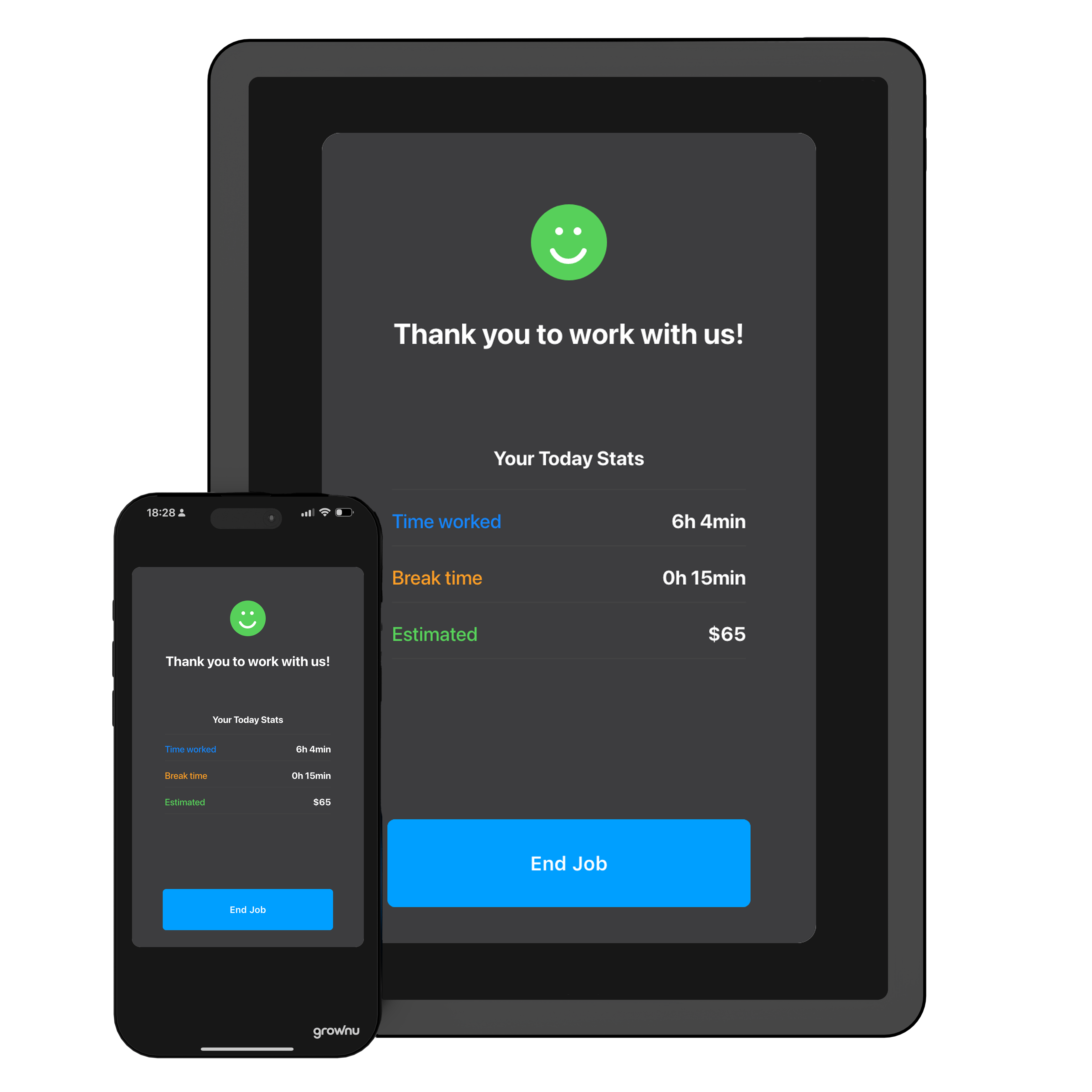
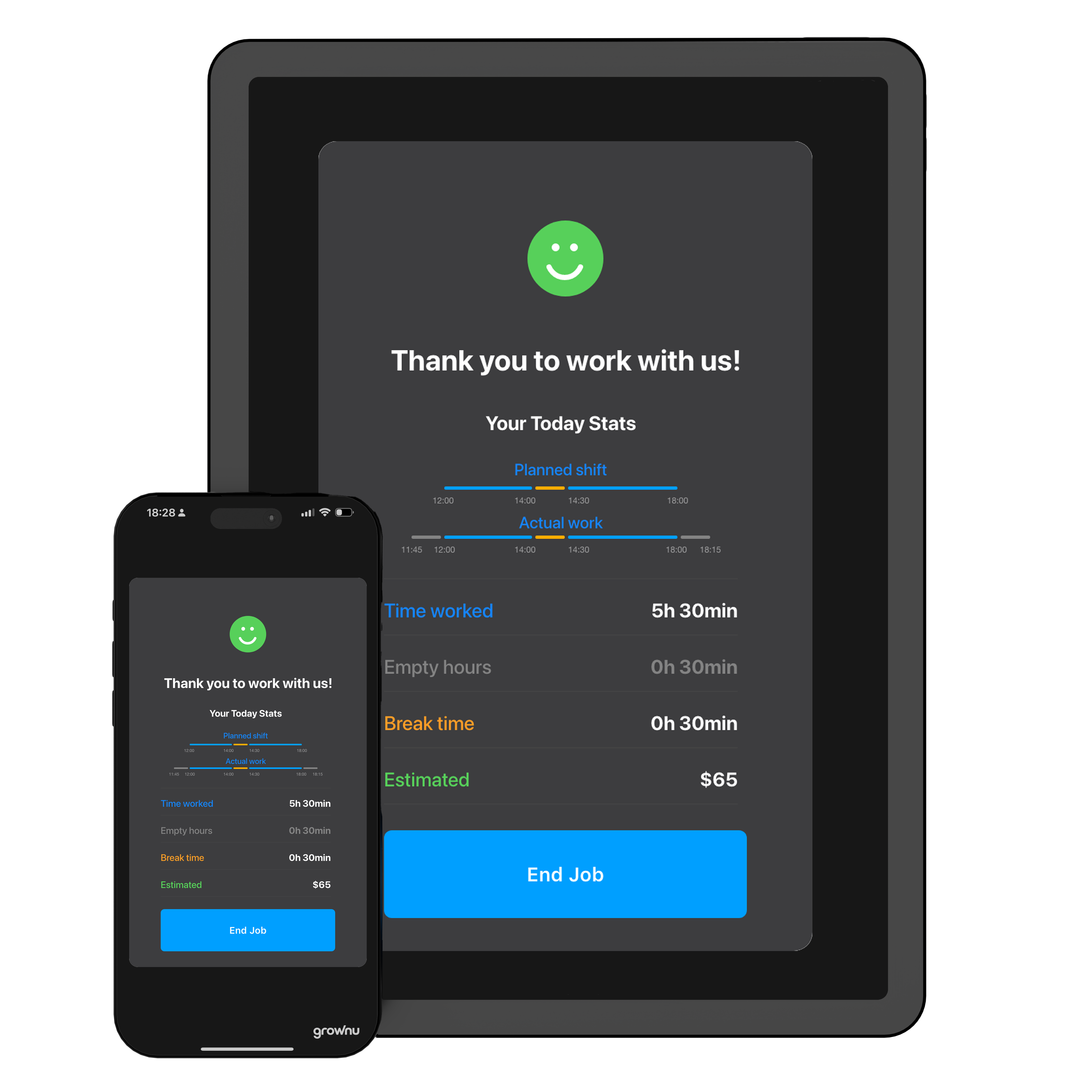
At clock-out, employees can view a clear on-screen summary: time worked, breaks, and the day’s total. That transparency reduces “How many hours did I get?” conversations and helps teams catch issues early.

Manager review and approval of out-of-schedule work hours in a time clock system

Prevent Early Clock-Ins and Unapproved Overtime

Employees sometimes clock in before their shift or stay longer than scheduled. Without controls, those hours can quietly inflate payroll.

Grownu automatically flags time worked outside the schedule. Managers can review these exception hours and decide whether they should be paid or stay excluded.

Software pricing from $3 per active user / month

Tailored to Your Operation

We can adapt Grownu time clock setups to your business—from workflows and permissions to device configuration and on-site requirements.

Scalable Options

Start simple and expand as you grow. Choose the terminal type that fits today—and add features when you’re ready.

Not sure which terminal fits best?

Send us a message and we’ll recommend the right setup for your sites, shift rules, and team size.

Mobile Time Clock Terminal — Free on iOS & Android

Turn any phone or tablet into a secure time clock terminal. With the Grownu mobile app, employees clock in using a PIN, and all time data syncs to your time & attendance system in real time.

Quick summary

  • Turn any iOS or Android phone or tablet into a shared employee time clock—no dedicated hardware required.
  • Employees clock in using a secure PIN; optional photo capture adds identity verification on supported devices.
  • Shift-based rules control when employees can clock in and help prevent early punches.
  • Time data syncs in real time for reporting, payroll exports, and multi-location visibility.

A mobile time clock terminal is one of the fastest ways to improve attendance accuracy without purchasing dedicated hardware. Instead of relying on paper sign-in sheets or spreadsheet timesheets, teams can use a shared iOS or Android device as a clock-in kiosk—so every punch is captured consistently and stored in one system.

With the Grownu Mobile App Time Clock, employees clock in and out using a secure PIN. If you need stronger verification, you can enable photo capture at clock-in on devices with a camera. This helps reduce “buddy punching” and improves accountability in shared entry environments—like warehouses, manufacturing sites, construction crews, and multi-location operations.

Unlike basic “clock-in apps,” Grownu is built for real operational control. You can set shift-based clock-in rules to prevent early punches, define clock-in windows (for example, 15 minutes before shift start), and flag exceptions for review. Employees can see an end-of-shift summary, which reduces payroll disputes and improves trust in reported hours.

All time data syncs in real time to your reporting dashboard, where you can generate timesheets, export to Excel or PDF, and connect data to payroll workflows. For organizations that require it, Grownu supports GDPR-aligned data handling and protects employee data using encryption and role-based access controls.

If you need a practical way to roll out time tracking across one or many locations, a mobile terminal is often the most cost-effective starting point. And if you want the “dedicated terminal feel,” you can pair a tablet with a secure wall mount—creating a clean, reliable clock-in station without the complexity of specialized hardware.

Back to Time & Attendance Terminal Types

Back to Time & Attendance Terminal Types
Back to Terminal Types

Frequently Asked Questions

Last updated: January 04, 2025