Workforce Management Software for Cleaning Businesses
Schedule cleaners, assign tasks by site, track time with GPS, capture photos and notes, and manage PTO across every customer location.
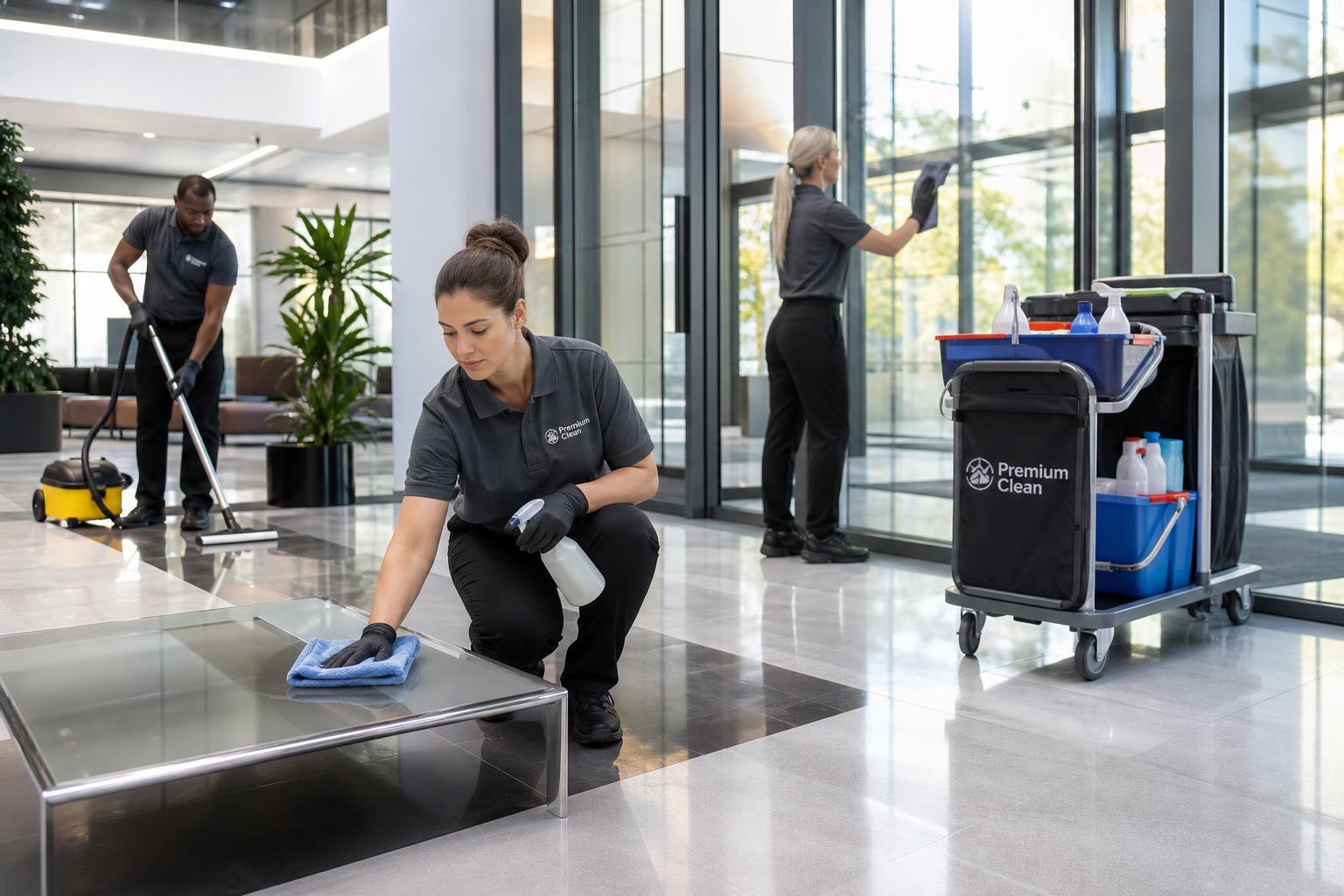
Cleaning crews are mobile, multi-site, and fast-moving
Without the right tools, managers spend hours coordinating crews by phone and paper. Hours don't add up, sites get missed, and customer expectations slip.
- Crews work across many customer sites each day
- Hard to confirm who actually showed up — and when
- Per-site task lists live in messages and notes
- Hours are recorded inconsistently across teams
- PTO and shift swaps create scheduling gaps
- Customer questions need quick, accurate answers
The cleaning operations workflow, step by step
Follow the line. Every step below runs in the same Grownu system — scheduling, time, tasks, PTO, GPS, and payroll all connected.
-
1Step 01
Plan the schedule
Build shifts that match your cleaning operations demand — by site, role, or customer.
- Drag-and-drop schedules
- Recurring templates
- AI-suggested coverage
-
2Step 02
Share it with the team
Employees see their shifts on mobile, swap, and confirm — no group chats or printed sheets.
- Mobile schedule access
- Shift swaps & offers
- Availability windows
-
3Step 03
Clock in with proof
Verified clock-ins by phone, terminal, or geofence — so you know who is working and where.
- Mobile clock-in
- GPS & geofencing
- Attendance terminals
-
4Step 04
Run the shift
Assign tasks, capture photos, and track completion in real time across every site.
- Per-shift task lists
- Photos & comments
- Live status
-
5Step 05
Approve hours & PTO
Managers review timesheets, breaks, overtime, and leave requests in one queue.
- Edit & approve hours
- PTO balances & approvals
- Overtime alerts
-
6Step 06
Export to payroll
One-click payroll-ready timesheets and per-job reports your finance team can trust.
- Payroll-ready exports
- Per-job & per-site reports
- Audit trail
One connected workforce system
Every step of your cleaning operation flows into one platform — no double entry, no missing data, payroll-ready records by Monday morning.
Employee scheduling
Plan shifts in minutes.
Open solutionTime tracking
Accurate hours, every shift.
Open solutionGPS time tracking
Location-verified clock-ins.
Open solutionTask management
Assign work and capture proof.
Open solutionPTO & leave
Requests, approvals, balances.
Open solutionAttendance terminals
RFID, outdoor, wall-mount.
Open solutionAI shift scheduling
Coverage based on demand.
Open solutionReports & payroll
Payroll-ready exports.
Open solutionWhat this looks like for cleaning teams
Real workflows Grownu supports for residential, commercial, and janitorial businesses.
- Office cleaning company schedules nightly crews across 40 buildings and confirms each clock-in with GPS
- Janitorial team assigns site-specific task lists with photo checks for restrooms, lobbies, and breakrooms
- Residential cleaners log time per home and capture customer notes from the field
- Manager exports payroll-ready timesheets by employee and customer at the end of the week
Frequently asked questions
Can cleaners clock in from their phone?
Yes. Cleaners can use the Grownu mobile app to clock in and out, with optional GPS verification and geofencing for each customer site.
Can I assign different cleaning tasks to different sites?
Yes. Cleaning task lists can be created per customer, site, shift, or recurring job so each location has the right checklist.
Can managers verify cleaning work with photos?
Yes. Cleaners can attach photos, notes, and comments to shifts or tasks so managers have proof of work and customer-ready records.
Can I track hours per customer site for invoicing?
Yes. Hours can be assigned to customer sites and exported for payroll, reporting, and customer billing workflows.
Does Grownu handle PTO for cleaning teams?
Yes. Grownu supports time-off requests, approvals, PTO balances, availability visibility, and coverage planning for cleaning teams.
Can Grownu help with recurring cleaning schedules?
Yes. Managers can use recurring schedule templates for repeated cleaning work across offices, homes, facilities, and customer sites.
Can Grownu prepare payroll-ready records for cleaning companies?
Yes. Approved time entries, breaks, overtime, PTO, task records, and site reports can be reviewed and exported as payroll-ready records.
Run your cleaning business on Grownu
See scheduling, GPS time tracking, tasks, and payroll-ready records in one workflow.

