01
Too many manual corrections
When time tracking does not match your actual workflow, managers and payroll teams end up fixing records after the fact.
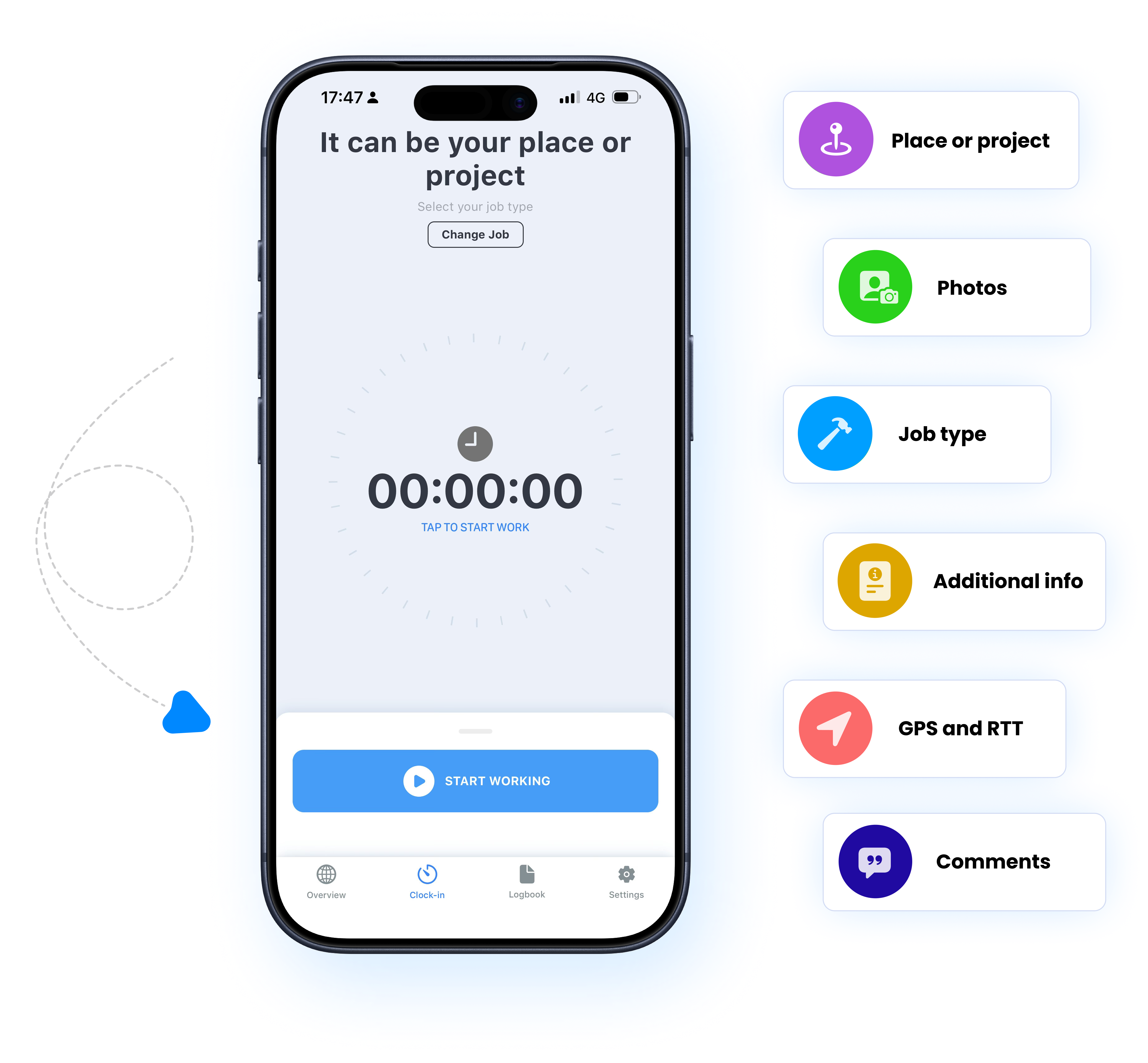
Grownu helps businesses track employee time with more accuracy and control. Capture worked hours by project, job site, location, and work type, then route time through GPS checks, forms, photos, and approvals before it reaches timesheets and payroll.
The problem usually is not that employees do not want to track time. The real issue is that different businesses need different time tracking logic, approval steps, and job context. When the system does not match how your team works, time records become incomplete, unreliable, and expensive to fix.
When time tracking does not match your actual workflow, managers and payroll teams end up fixing records after the fact.
If employees track time without selecting the right project, job site, work type, or location, your records lose the detail needed for payroll, reporting, and labor visibility.
A start time and end time alone are often not enough. Many businesses need photos, forms, notes, quantities, or location checks tied to each time entry.
When time tracking reflects how your business actually works, records become cleaner, approvals get easier, and payroll becomes more reliable.
Grownu lets you configure employee time tracking around your operation — from a simple clock-in and clock-out flow to projects, job sites, work types, GPS verification, custom forms, and connections to shift scheduling, terminals, and timesheets.
Grownu can be as simple or as advanced as your business needs. Start with a basic time clock flow and add more controls when your operation requires more accuracy, accountability, and job context.
The fastest setup for teams that only need a clear clock-in and clock-out process without extra steps.
Best for businesses that need to know not only when time was tracked, but also which project, location, or task that time belongs to.
Ideal when employees should only be able to track time at approved locations or when the business needs stronger location-based control during the work session.
Best for businesses that need more than hours alone and want a clearer record of the work performed, the situation on-site, and additional operational details.
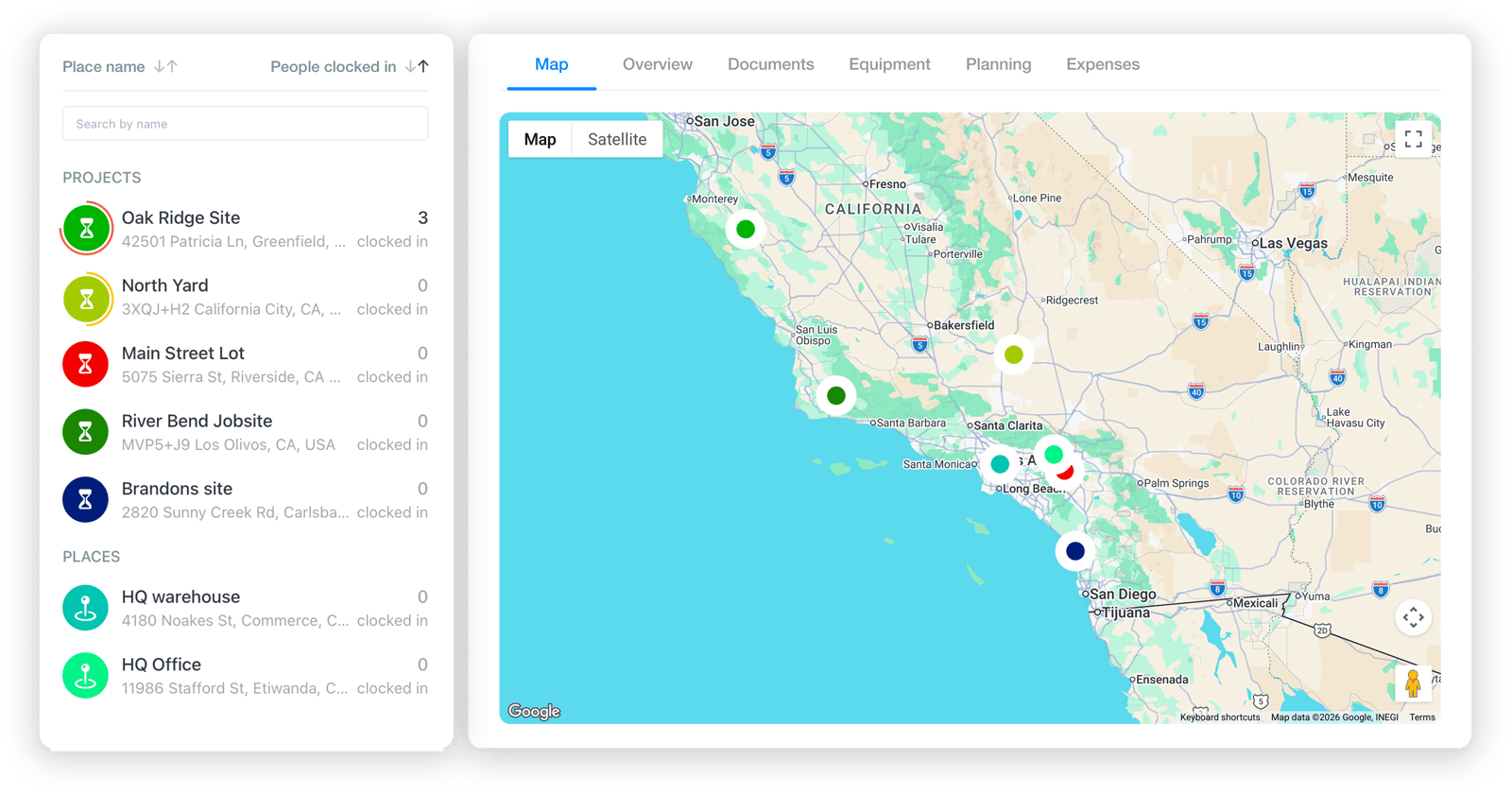
See which projects and job sites currently have active work, how much time has already been logged, and where work is happening on the map with clear location details.
Grownu helps you do more than track clock-ins and clock-outs. It also makes it clear what kind of hours were recorded. These visual examples show how regular hours, night hours, holiday hours, breaks, and overtime can be separated inside one time tracking workflow.
In this example, the employee works from 5:00 PM to 2:00 AM. From 10:00 PM to 2:00 AM, the time is classified as night hours.
If a shift takes place on an official holiday, all recorded work time can be classified as holiday hours.
In this example, a 9-hour session includes a 60-minute break in the middle. The final worked time is 8 hours.
In this example, after a 60-minute break, the employee completes 8 regular worked hours, and the additional 2 hours are classified as overtime.
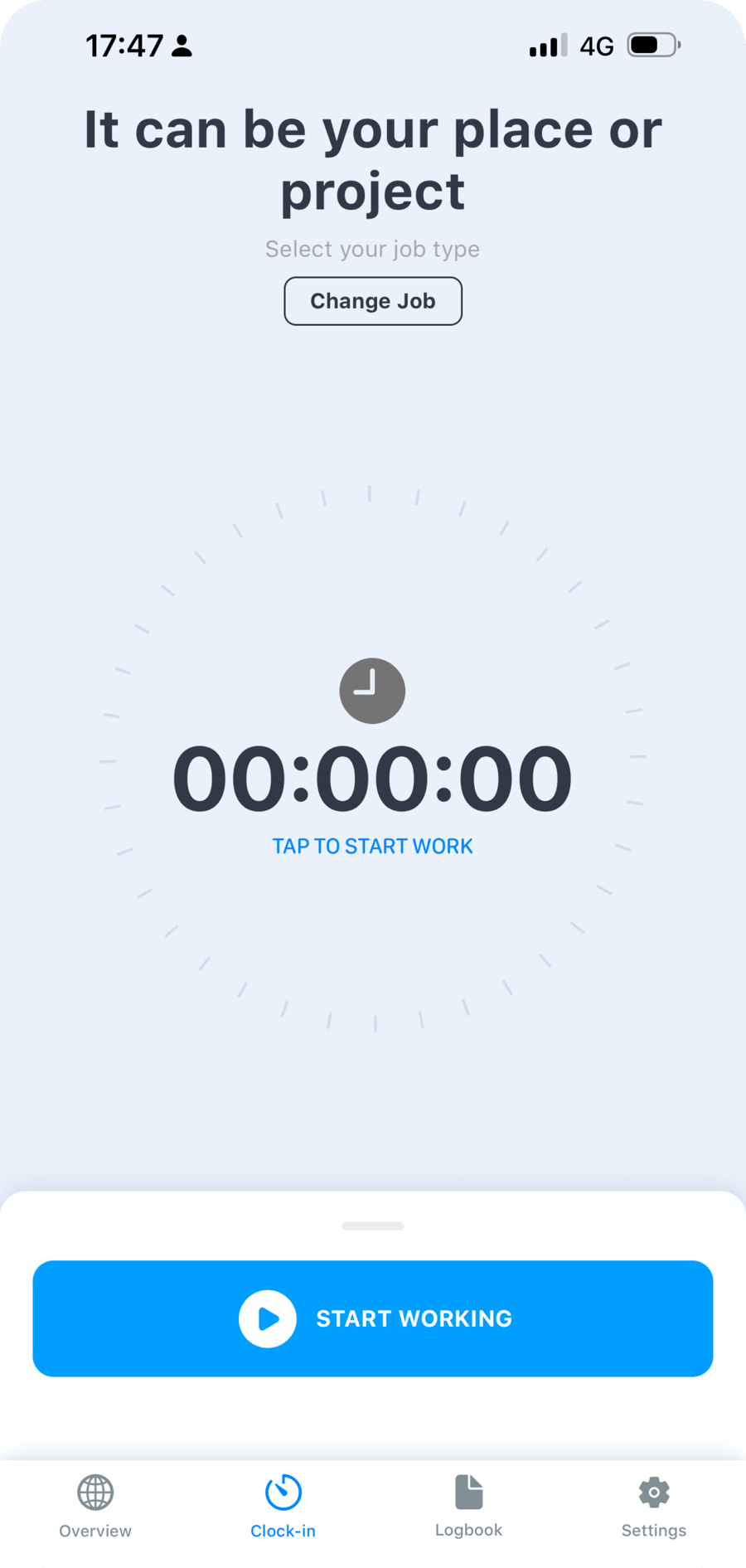
Employees can clock in and out, select a project, job site, or work type, submit required details, and follow their time tracking flow step by step. Managers can review records in real time, monitor workforce activity, and manage the process from one mobile app.
Time tracking does not have to happen only through the main mobile app flow. Time clocks, scheduled shifts, and task-based tracking are separate workflows with their own logic and dedicated landing pages.
Indoor and outdoor time clock terminals with PIN codes or RFID cards for businesses that need a fixed, on-site clock-in and clock-out point.
View SolutionEmployees can start tracking time directly from their assigned shift in the mobile app, making schedule-based time tracking faster and cleaner.
View SolutionLet employees track time from a task when location, instructions, work type, and additional job details need to stay connected in one workflow.
View SolutionTime tracking does not end when an employee clocks in or clocks out. Recorded hours can be reviewed and approved, reflected in timesheets, connected to shifts and tasks, and prepared for exports and downstream workflows.
Recorded time entries can be reviewed and approved before they move forward, helping make sure only verified records are used for payroll and internal control.
Approved time can flow into timesheets automatically, reducing manual re-entry and helping teams keep worked hours and hour types accurate.
Time entries can be connected to scheduled shifts, so managers can clearly see who worked as planned and who started time tracking from an assigned shift.
Employees can track time directly from a task and automatically keep it tied to location, work type, instructions, and other task-related context.
Prepare time data for payroll, reporting, and downstream processes without extra manual work or unnecessary errors.
Grownu helps businesses track time in ways that match how work actually happens — from simple clock in and clock out flows to projects, job sites, work types, GPS checks, custom forms, photos, comments, and other workflow-specific steps.
Grownu time tracking software is built for businesses that need more than a basic clock-in and clock-out tool. Time tracking can be configured around your real workflow, so employees can start work, select a project, job site, or work location, follow assignment rules based on teams or roles, and capture the right information at the right moment. Managers control this logic from the admin side, which means the time tracking process adapts to your business instead of forcing your operation into a rigid system.
When location control matters, businesses can use time tracking with GPS and geolocation. Grownu can verify whether employees clock in and clock out at the correct location, whether that is a job site, project address, facility, or defined geofence. If your operation requires tighter control, real-time location monitoring can also be used to track whether the employee remains inside the approved work zone. In that case, the system can flag or stop tracked time when a worker leaves the designated area, giving managers a clearer and more reliable record.
Time tracking can also collect additional job context that matters to your business. For example, employees can enter a work order number at the start of a shift and submit completed quantity, materials used, or other operational details at the end. Custom forms can be added at clock-in, clock-out, or both, depending on what your company needs to capture. Teams can also leave daily comments, upload up to 10 work-related photos, and use photo-based verification during registration when additional accountability is needed. All of this information stays connected to the time entry and can later be reviewed in approvals, reports, exports, and payroll workflows.
This functionality can work on its own or as part of the wider Grownu platform. If you need a fixed on-site clock-in point, the workflow can be connected to time and attendance terminals. If work is planned in advance, it can connect with shift scheduling so employees can start time directly from their assigned shift. If time needs to be captured from a specific job or instruction flow, it can connect with task management and other Grownu solutions. That turns time tracking into more than a single action — it becomes a connected part of your workforce management process, bringing together time, place, work context, approvals, and timesheets in one clear system.
Last updated: April 26, 2026
If your time tracking process includes specific rules, approval steps, job details, or location requirements, Grownu can be configured around your workflow instead of forcing you into a generic setup.
Not every workflow belongs on one page. If you do not see the exact scenario your business needs, talk to us. We will review your process and show you how it can be built in Grownu.
Tell us how time tracking needs to work in your business, and we will show you the best-fit configuration for your workflow.