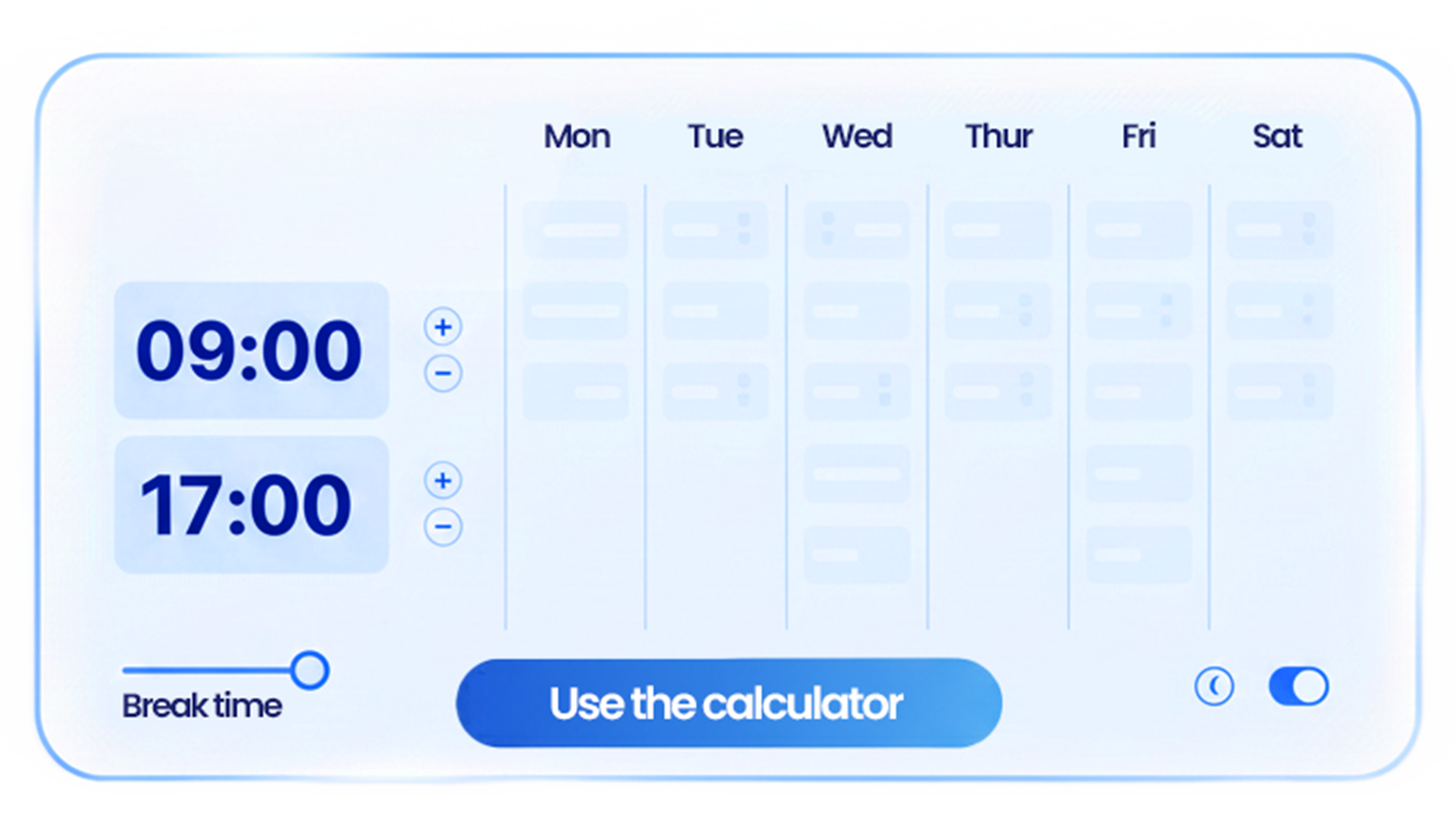
Grownu’s monthly timesheet calculator helps you build a full month of work-hour entries from daily start times, end times, and unpaid breaks. It is useful for payroll preparation, internal reports, manager review, shift tracking, and replacing manual spreadsheet formulas.
Each day includes a manual day type selector: Workday, Day off, PTO / Vacation, Sick day, or Holiday. These labels are included for organization and CSV export only. The calculator does not determine legal paid leave, vacation entitlement, sick leave entitlement, or holiday pay.
You can set a weekly overtime threshold, defaulting to 40 hours, to estimate hours above that weekly threshold. Overtime, payroll, PTO, holiday, and sick leave rules may vary by company policy, employee type, state, country, industry, or local requirements.
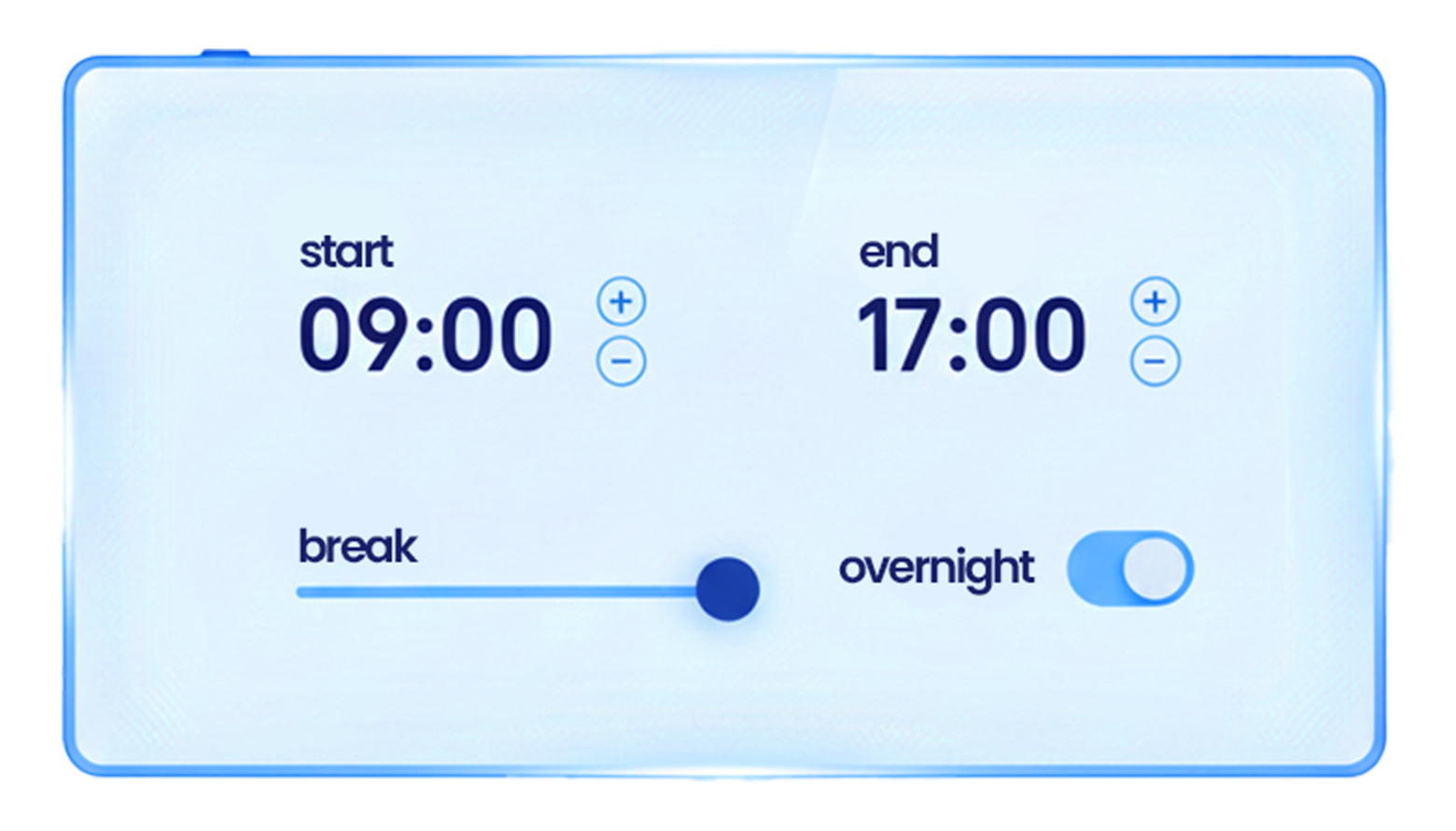
For teams with late shifts, enable the overnight shift window to track time inside a selected range, such as 10:00 PM to 6:00 AM. When a shift end time is earlier than the start time, the calculator treats the shift as ending the next day.
After calculating, copy the result, share a link, or download a CSV file for Excel or Google Sheets. For shorter periods, use the daily time clock calculator or weekly timesheet calculator.