Free weekly timesheet calculator
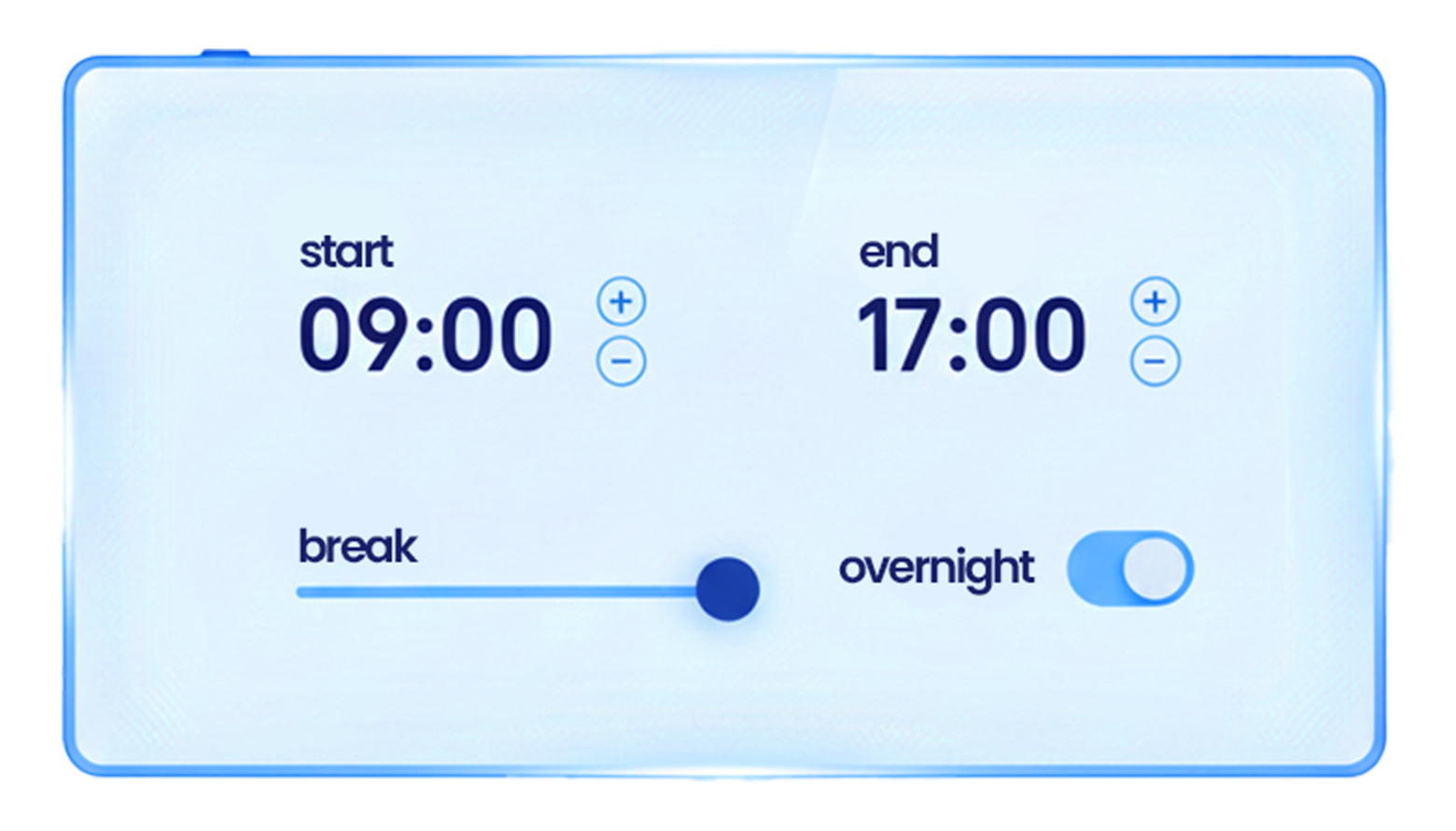
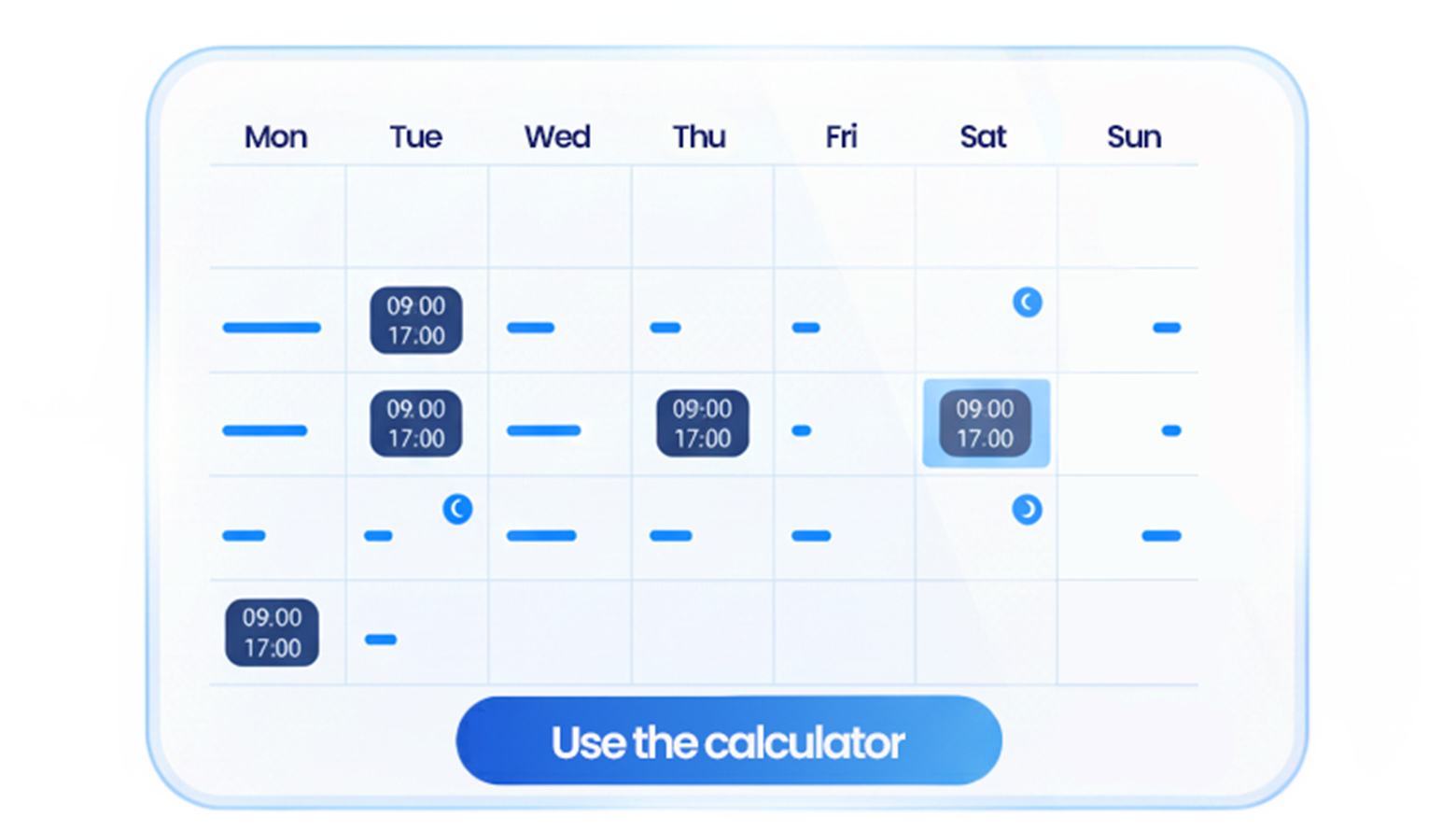
Enter start times, end times, breaks, and overnight shifts for each day of the week. Set a weekly hours threshold, apply rounding, copy the result, share a link, or download your weekly timesheet as a CSV file.
Enter start times, end times, breaks, and overnight shifts for each day of the week. Set a weekly hours threshold, apply rounding, copy the result, share a link, or download your weekly timesheet as a CSV file.
Calculate weekly work hours with daily start and end times, breaks, overnight windows, rounding, a simple weekly threshold, sharing, and CSV export.
Estimate how much time and money your company could save with Grownu’s automated time tracking software.
Calculate weekly work hours, breaks, overnight shifts, rounding, and a simple weekly hours threshold in one browser-based tool.
Grownu’s weekly timesheet calculator helps you total work hours for a full week using daily start times, end times, and unpaid breaks. It is useful for preparing a weekly timesheet, checking shift totals, reviewing team hours, or replacing manual spreadsheet formulas.
The calculator supports overnight shifts. If an end time is earlier than the start time, the shift is treated as ending the next day. You can also enable an overnight window, such as 10:00 PM to 6:00 AM, to track time inside that selected range.
You can set a weekly hours threshold, defaulting to 40 hours, to estimate hours above that threshold. This is a simple comparison point only and is not a legal overtime, payroll, or compliance calculator. Overtime rules may vary by company policy, employee type, state, country, industry, or local requirements.
Use rounding when your internal process reports time in intervals such as 5, 10, 15, 30, or 60 minutes. After calculating, you can copy the weekly result, share a link, or download a CSV file for Excel or Google Sheets.
For other time periods, try the daily time clock calculator, the monthly timesheet calculator, or the time tracking ROI calculator.

Last updated: May 1, 2026