Workforce Management Software for Construction and Job Sites
Track crews by project, verify job-site attendance with GPS, manage schedules, collect photos and notes, share documents, track expenses, and prepare project-based reports.

Construction operations live across many projects, crews, and sites
Construction companies need to know who worked, where they worked, which project the hours belong to, whether employees were on site, what work was completed, what materials or expenses were recorded, and how that information becomes timesheets, reports, and invoices.
Spreadsheets, paper timecards, and texts can't keep up with multiple active projects, traveling crews, and seasonal labor. Hours get assigned to the wrong job. Materials never make it onto an invoice. Reviewing the week becomes detective work.
Grownu connects scheduling, GPS clock-ins, tasks, photos, project documents, expenses, and payroll-ready records around the project — so every hour and every dollar lines up with the job it belongs to.
-
Crews across multiple projects
Hours, materials, and tasks must tie back to the right job.
-
Who actually arrived on site?
Without GPS proof, attendance disputes drag out for weeks.
-
Lost photos and notes
Site documentation scattered in chat threads and SD cards.
-
Expenses that miss the invoice
Materials and supplies bought on site never make it to billing.
A project-based workflow for construction teams
Plan project work, assign crews, confirm job-site arrival, collect photos and notes, track expenses, review project records, and export payroll or invoice-ready data.
-
1Step 01
Plan project work
Build crews and shifts around the active project, trade, or job site.
- Schedules per project or trade
- Crew templates
- Coverage by phase
-
2Step 02
Assign crews
Match the right tradespeople to the project and notify them on mobile.
- Crew assignments by trade
- Mobile job briefs
- Swap & availability
-
3Step 03
Confirm job-site arrival
Crews clock in via mobile GPS or an outdoor terminal at the gate.
- Mobile GPS clock-in
- Geofence per job site
- Outdoor terminals
-
4Step 04
Collect photos and notes
Document progress, conditions, safety, and issues directly from the site.
- Time-stamped photos
- Per-task comments
- Issue reports
-
5Step 05
Track expenses
Record materials, equipment, and other costs against the project and customer.
- Expenses by project
- Materials and supplies
- Notes and amounts
-
6Step 06
Review project records & export
Approved time, photos, tasks, and expenses turn into timesheets and invoice-ready records.
- Payroll-ready timesheets
- Per-project reports
- Invoice-ready work records
One connected construction operation
From job-site arrival to project invoice, every record lives in one Grownu workflow — so finance, ops, and project managers see the same truth.
Schedule crews by project, trade, or job site
Construction schedules follow the project, not the calendar. Plan crews per project, per trade, and per phase — and adjust as the build progresses.
Live view of who is working at each job site
Construction GPS time tracking confirms that the employee was actually on the job site when they clocked in. Geofencing per project blocks accidental or off-site clock-ins, and supervisors see live coverage across active builds.
- GPS clock-in / clock-out
- Geofence per job site
- Live view of active sites
- Outdoor and rugged terminals
- Exception review for off-site entries
- Records by project and customer

Task records, comments, and photo-based proof of work
Every job site generates evidence: completed scope, safety conditions, deficiencies, and customer-approved milestones. Capture it all on mobile, tied to the right shift and project.
Photos, comments, and safety notes from the job site
Documenting completed scope, safety conditions, and on-site issues is part of every build. Crews capture photos and notes from the Grownu mobile app — and everything stays attached to the right shift, project, and task.
- Time-stamped progress photos
- Safety and condition notes
- Per-task and per-site comments
- Customer-shareable records
- Reduces disputes about scope
- Searchable per project

PTO and absences visible before you assign crews
A missed crew member on Monday delays a phase by a week. Grownu shows availability and absences alongside the schedule so the gap is filled before it opens.
Project documents and employee access by folder or team
Construction crews need plans, RFIs, SDS sheets, safety procedures, and customer-specific instructions on site. Grownu organizes documents per project, with access by team or role.
- Organize files by project, folder, or team
- Share plans and SDS sheets with the right crew
- Access on mobile, on site
- Version-controlled site information
- Customer notes per project
- Audit trail of access

Timesheets split by employee or project
Construction payroll is rarely simple. Split hours by employee, by project, by trade, and by phase — and export records your payroll team can trust.
Expenses by project and registered work for invoicing
Record materials, supplies, equipment rentals, and other project costs against the right job. Pull approved labor and expenses into customer invoices — and mark them as billed so nothing is double-charged.
- Expenses by project and type
- Materials, rentals, and supplies
- Add registered work to invoices
- Manual invoice lines when needed
- Mark work and expenses as billed
- Audit trail from labor to invoice
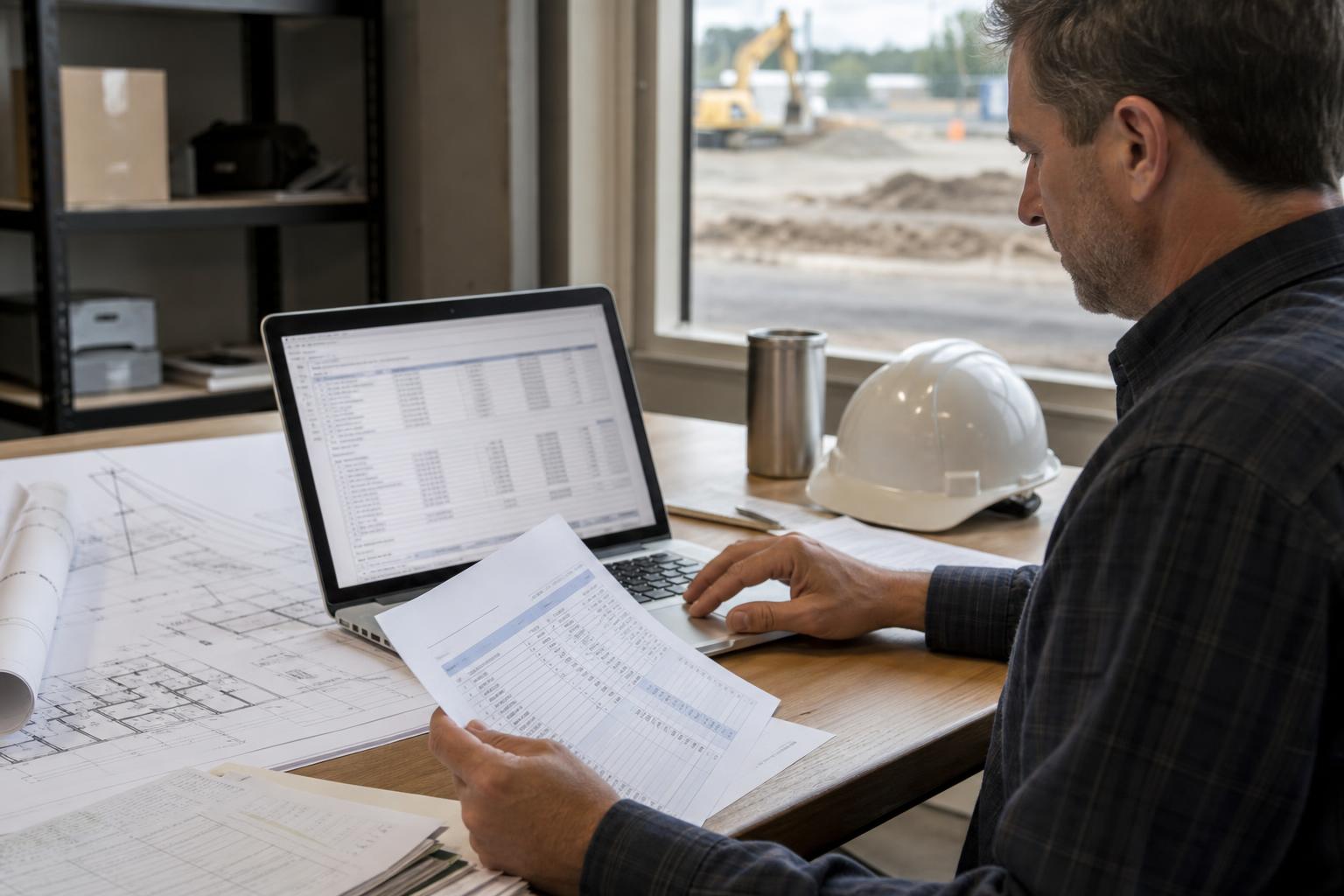
One construction workforce system, multiple connected workflows
Start with the full construction workflow, then go deeper into the areas that matter most for your projects.
Construction crew scheduling
Plan crews per project, trade, and phase.
Construction GPS time tracking
Geofenced job-site clock-ins, verified by location.
Task & proof-of-work records
Site checklists, photos, and completion records.
Documents and project files
Plans, SDS, and customer notes per project.
Expenses and invoicing
Materials and registered work, ready for billing.
Timesheets and payroll exports
Per-project hours your payroll team can trust.
Built for construction companies with mobile crews
Grownu is useful for general contractors, sub-contractors, and trade companies that run multiple projects with mobile crews.
- General contractors
- Sub-contractors and trade companies
- Concrete and framing crews
- MEP and HVAC contractors
- Roofing and exterior contractors
- Earthwork and site prep crews
- Specialty and finish trades
- Multi-project builders
- Crews with seasonal labor
Frequently asked questions
Can Grownu track time by construction project?
Yes. Grownu helps construction teams assign hours to the correct project, job site, customer, trade, and phase so job costing, project reports, payroll, and invoice-ready records stay connected.
Does Grownu support geofencing per job site?
Yes. Each job site can have its own geofence so mobile clock-ins can be verified against the correct project location.
Can crews upload photos and notes from the job site?
Yes. Crews can upload time-stamped photos, safety notes, condition notes, issue reports, and per-task comments directly from the Grownu mobile app.
Can I see who is on each construction site right now?
Yes. Managers can see live job-site coverage, who is clocked in, which project they are working on, and where exceptions need review.
Can Grownu manage construction project documents?
Yes. Project plans, RFIs, SDS sheets, safety procedures, customer notes, and other files can be organized by project, folder, team, or role.
Can Grownu track expenses against construction projects?
Yes. Materials, supplies, equipment rentals, and other project costs can be recorded against the right project and used with approved work records for customer invoicing.
Are there terminals for fixed job-site gates?
Yes. Outdoor terminals, RFID badge clock-ins, wall-mounted terminals, and mobile GPS clock-ins are supported so each job site can use the right attendance setup.
Can Grownu prepare payroll-ready records for construction companies?
Yes. Grownu prepares payroll-ready time records by employee, project, trade, phase, and job site, with GPS verification, task records, photos, and exception review before export.
Run construction projects with better field visibility
Grownu connects scheduling, GPS time, tasks, photos, documents, expenses, and payroll-ready records into one project-based workflow.

