Workforce Management Software for Facility Services
Manage recurring work across buildings and customer sites with scheduling, GPS time tracking, task records, PTO, documents, reports, and payroll-ready workforce data.

Recurring facility work across many buildings is hard to manage in spreadsheets
Facility services teams manage recurring work across many buildings, clients, floors, departments, and service areas. Managers need one system to plan work, verify attendance, assign tasks, track completion, and prepare clean records — for both operations and the customer.
Spreadsheets, paper checklists, and email chains lose context fast. A missed task at one site might surface as a customer complaint a week later. A new building means recreating the same plan from scratch.
Grownu brings recurring schedules, GPS time, tasks, documents, PTO, and reports into one operations platform built for facility services teams.
-
Recurring work, many locations
Different buildings, different floors, different service areas.
-
Verifying presence across buildings
GPS proof beats paper checklists every time.
-
Site-specific instructions
Access codes, contacts, and rules vary by building.
-
Customer-ready reporting
Each customer wants different cuts of the same data.
A facility services workflow built around recurring work
Plan recurring work, assign teams, confirm location, complete tasks, add notes and photos, review site records, and export reports and timesheets.
-
1Step 01
Plan recurring work
Schedule by building, floor, or customer — with recurring patterns.
- Schedules per building or customer
- Recurring weekly patterns
- Coverage by shift
-
2Step 02
Assign teams
Match the right team to the building and notify them on mobile.
- Team assignments
- Mobile schedule access
- Swap & availability
-
3Step 03
Confirm location
Employees clock in via mobile GPS or wall-mount terminal at the building.
- Mobile GPS clock-in
- Geofence per building
- Wall-mount terminals
-
4Step 04
Complete tasks
Run checklists, follow instructions, and document completed work.
- Per-building checklists
- Service instructions
- Tick off on mobile
-
5Step 05
Add notes, photos, issues
Capture site conditions and customer-specific issues on the spot.
- Time-stamped photos
- Issue and comment logs
- Customer notes
-
6Step 06
Review and export
Approved records become per-building reports and payroll-ready data.
- Reports per building
- Customer-ready exports
- Payroll-ready timesheets
One connected facility services operation
Every recurring visit produces a verified, complete record — for the customer and the back office, in one Grownu workflow.
Recurring schedules by building or customer
Most facility work repeats every week. Build a template once and reuse it — and adjust per building when the schedule needs to change.
Facility GPS time tracking and live visibility
GPS time tracking and per-building geofences confirm that recurring work was performed at the right customer location. Live view shows which buildings are covered right now.
- GPS clock-in and clock-out
- Geofence per building
- Live view of active buildings
- Exception flags for off-site entries
- Records tied to the right customer
- Mobile-first crew experience

Facility task management with site-specific instructions
Each building has its own service plan, access rules, and contacts. Attach checklists and instructions per building so every team knows exactly what to do.
Facility photos and customer-specific notes
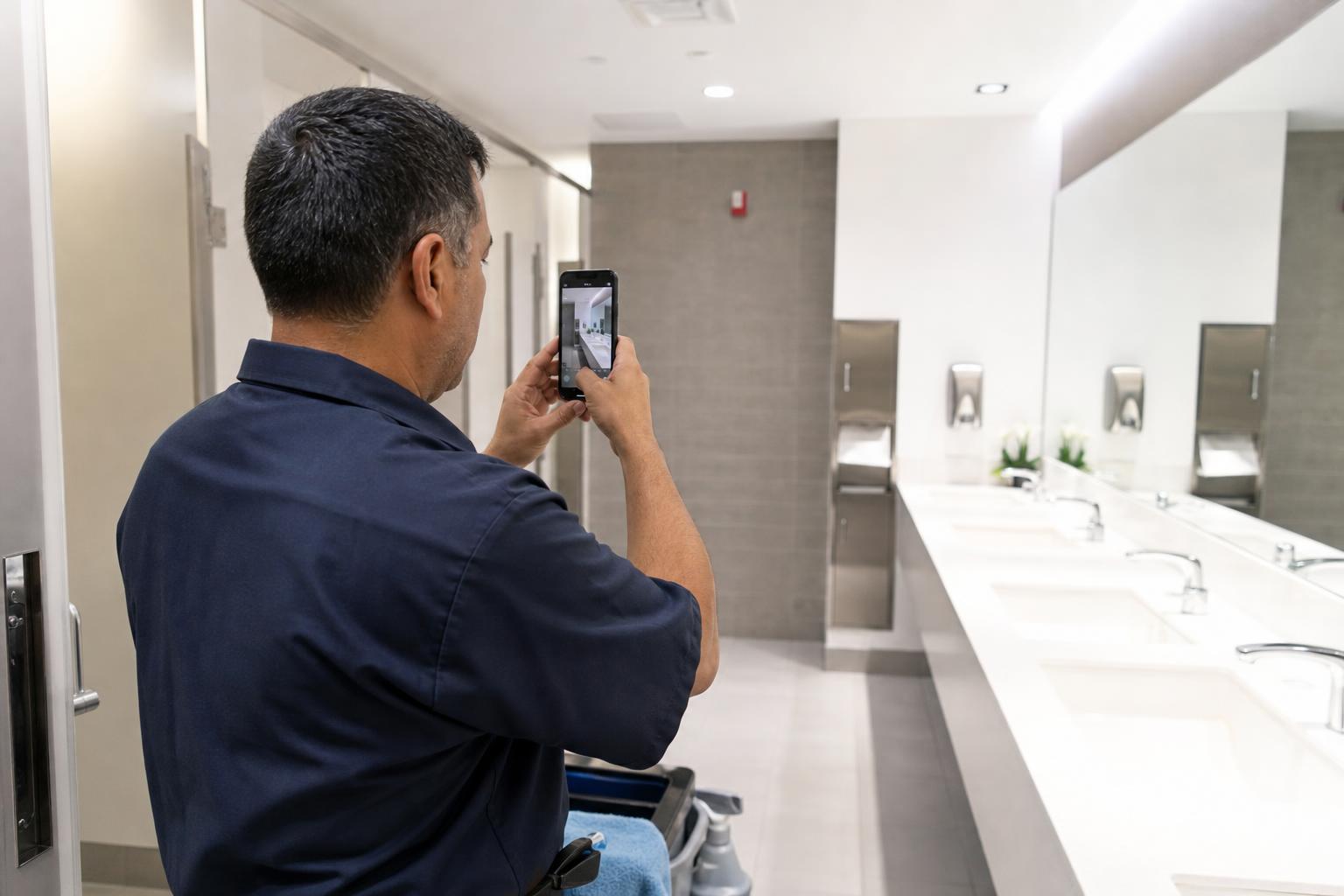
Document completed work, site conditions, and customer-specific issues directly from the building. Everything stays attached to the right shift and customer.
- Time-stamped photos
- Customer notes per building
- Issue reports
- Before/after documentation
- Searchable per building
- Customer-shareable records
PTO and replacement coverage across buildings
When a key team member is out, the building still needs to be serviced. Plan replacement coverage with full visibility into PTO and availability.
Facility documents per building, customer, or team
Building access procedures, customer contracts, safety documents, and service plans live next to the work — with access controlled per employee or team.
- Documents by building or customer
- Access control by team
- Mobile access on site
- Customer-specific instructions
- Safety procedures attached
- Audit trail of access

Reports by building, customer, project, or employee
Slice the data however you bill and report. Per-building, per-customer, per-employee — all exportable.
Mobile GPS for the field, terminals at fixed buildings
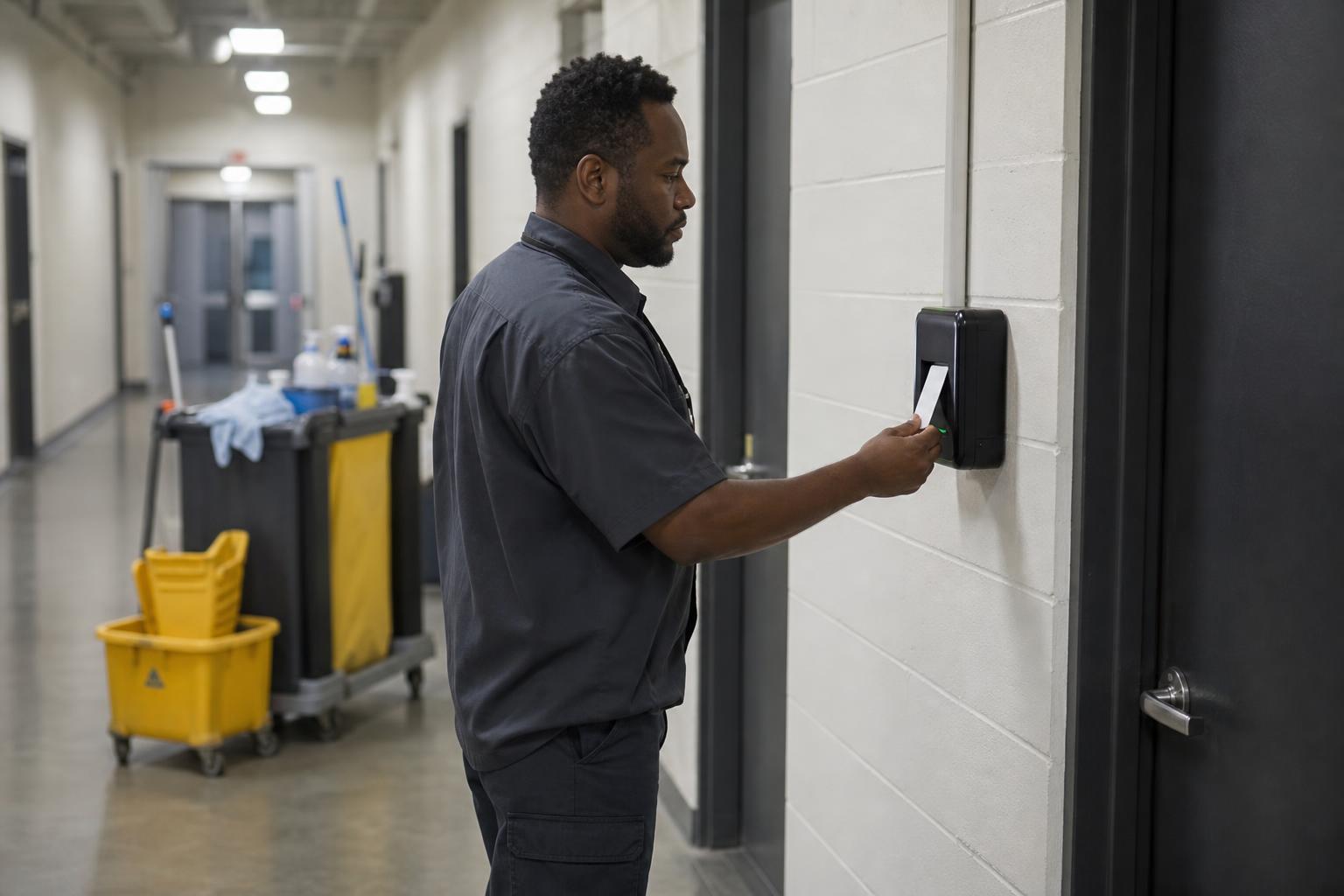
Some buildings benefit from a wall-mounted terminal at the service entrance. Mobile GPS covers the rest. Records flow into the same timesheet.
- Mobile clock-in with GPS
- Wall-mount terminals
- RFID and badge options
- Mixed setups per customer
- All records on one timesheet
- Outdoor-rated options
One facility services workforce system, multiple connected workflows
Pick the workflow that matches what you want to improve first.
Facility scheduling
Recurring schedules by building or customer.
Facility GPS time tracking
Verified clock-ins per building.
Facility task management
Per-building checklists and instructions.
Facility documents
Plans, safety docs, and customer notes.
PTO and coverage
Plan replacement coverage across buildings.
Facility reports and timesheets
Per-building reports and payroll exports.
Built for facility service companies with recurring customer work
Grownu is useful for facility service providers that maintain customer buildings on recurring schedules.
- Commercial facility maintenance
- Multi-building service providers
- Janitorial and floor-care providers
- Property management service teams
- Industrial facility services
- Healthcare facility services
- Education facility services
- Retail and mall facility services
- Specialty facility services
Frequently asked questions
Can Grownu plan recurring work across many buildings?
Yes. Grownu helps facility service teams build recurring schedule templates by building, customer, shift, floor, or service area so repeated work can be reused and adjusted when needed.
Can I verify which building a clock-in belongs to?
Yes. GPS time tracking and per-building geofences help tie each clock-in and clock-out to the correct customer location.
Can crews see customer-specific instructions on mobile?
Yes. Crews can access per-building checklists, service instructions, access notes, customer documents, and safety procedures from the Grownu mobile app.
Can facility teams add photos, notes, and issue reports?
Yes. Employees can add time-stamped photos, customer notes, issue reports, before and after documentation, and comments directly from the building.
Can I share facility service reports with my customer?
Yes. Reports can be filtered by building, customer, employee, shift, task completion, photos, notes, or exceptions and exported for customer review.
Are terminals supported at building entrances?
Yes. Grownu supports wall-mounted terminals, RFID badge clock-ins, outdoor terminal options, and mobile GPS clock-ins depending on the building setup.
Can Grownu prepare payroll-ready records for facility service companies?
Yes. Grownu prepares payroll-ready time and attendance records by employee, building, customer, shift, and service work so teams can review exceptions before payroll.
Run facility services with one connected platform
Grownu brings recurring schedules, GPS time, tasks, documents, PTO, and reports into one source of truth for facility teams.

