Workforce Management Software for Repair and Maintenance Teams
Dispatch technicians, assign service tasks, track time by customer site, collect photos and notes, manage PTO, and standardize reports across every job.

Repair and maintenance is a moving target — every customer is different
Repair and maintenance teams need to know who is assigned, where technicians are working, which service task is completed, what materials were used, and what record should be reported to the customer or payroll.
Dispatching by phone, reporting by text, and paper service tickets create gaps that surface as billing disputes, missed customer follow-ups, and slow payroll.
Grownu connects dispatch, GPS time tracking, service tasks, photos, materials, and reports — so every visit produces a clean record for the customer and the back office.
-
Technicians moving all day
Different sites, different equipment, different customers.
-
Service tickets in scattered places
Photos, notes, and parts in three different tools.
-
Disputed time and billing
Without GPS, it's hard to confirm who arrived and when.
-
Inconsistent customer reports
Each tech writes them differently — if at all.
A consistent service workflow for every job
Schedule the service, assign the technician, confirm arrival, complete the repair task, add notes and photos, review the service record, and export reports.
-
1Step 01
Schedule the service
Book the visit by customer, site, or service request.
- Schedules per customer site
- Recurring service contracts
- Dispatch by route
-
2Step 02
Assign the technician
Match the right skill set to the customer and notify on mobile.
- Skill-based dispatch
- Mobile work orders
- Real-time updates
-
3Step 03
Confirm arrival
Technicians clock in on mobile with GPS, or via terminal at fixed facilities.
- Mobile GPS clock-in
- Geofence per site
- Terminals for facilities
-
4Step 04
Complete the repair task
Mark service tasks done, record materials, and capture issues from the site.
- Service task lists
- Materials used
- Issue notes and photos
-
5Step 05
Add notes, photos, materials
Build a complete service record before leaving the site.
- Before/after photos
- Customer notes
- Parts and materials
-
6Step 06
Review and export
Approved service records turn into customer reports and payroll-ready data.
- Service reports per visit
- Payroll-ready timesheets
- Billable work records
One connected maintenance operation
Dispatch, time, tasks, materials, photos, and reports live in one Grownu workflow — so every service call ends with a clean, customer-ready record.
Schedule technicians by customer, site, or service request
Match the right technician to the right job. Plan recurring maintenance contracts and emergency calls in the same system.
Technician GPS time tracking and live visibility
GPS time tracking confirms technicians were at the customer site. Live view shows which calls are in progress, which are done, and where the next dispatch should go.
- GPS clock-in and clock-out
- Geofence per customer site
- Live view of active calls
- Exception flags for off-site entries
- Records tied to the right customer
- Mobile-first technician experience

Repair task management with checklists, materials, and notes
Standardize how every service call is documented — same checklist, same fields, same record. Quality and reporting go up together.
Service photos and notes attached to every visit
Document the repair with before-and-after photos, list materials used, and capture customer notes — all from the Grownu mobile app, all tied to the right shift and customer.
- Time-stamped before/after photos
- Materials and parts captured
- Customer notes per visit
- Issue reports with photos
- Searchable per customer site
- Customer-shareable service records
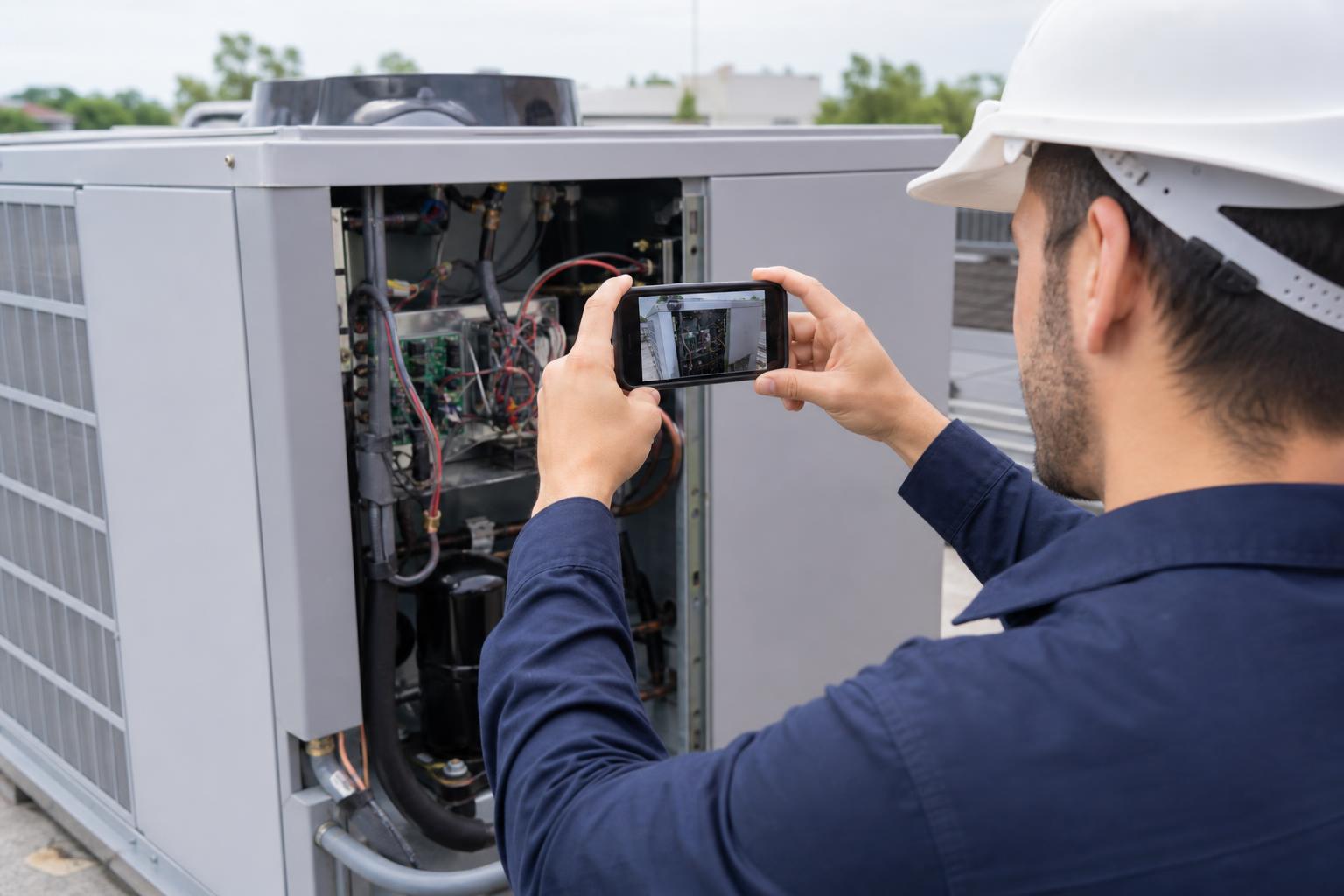
PTO and backup coverage for mobile technicians
Missed shifts strand customers. Manage PTO, sick days, and availability in the same system so backup coverage is in place before the morning starts.
Mobile clock-ins on the road, terminals at fixed facilities
Most technicians clock in from mobile with GPS. Teams that work from a depot or maintain a single facility can also use wall-mounted or RFID terminals — all on the same timesheet.
- Mobile clock-in with GPS
- Wall-mount terminals
- RFID and badge options
- Outdoor-rated terminals
- Mixed setups per team
- One unified timesheet
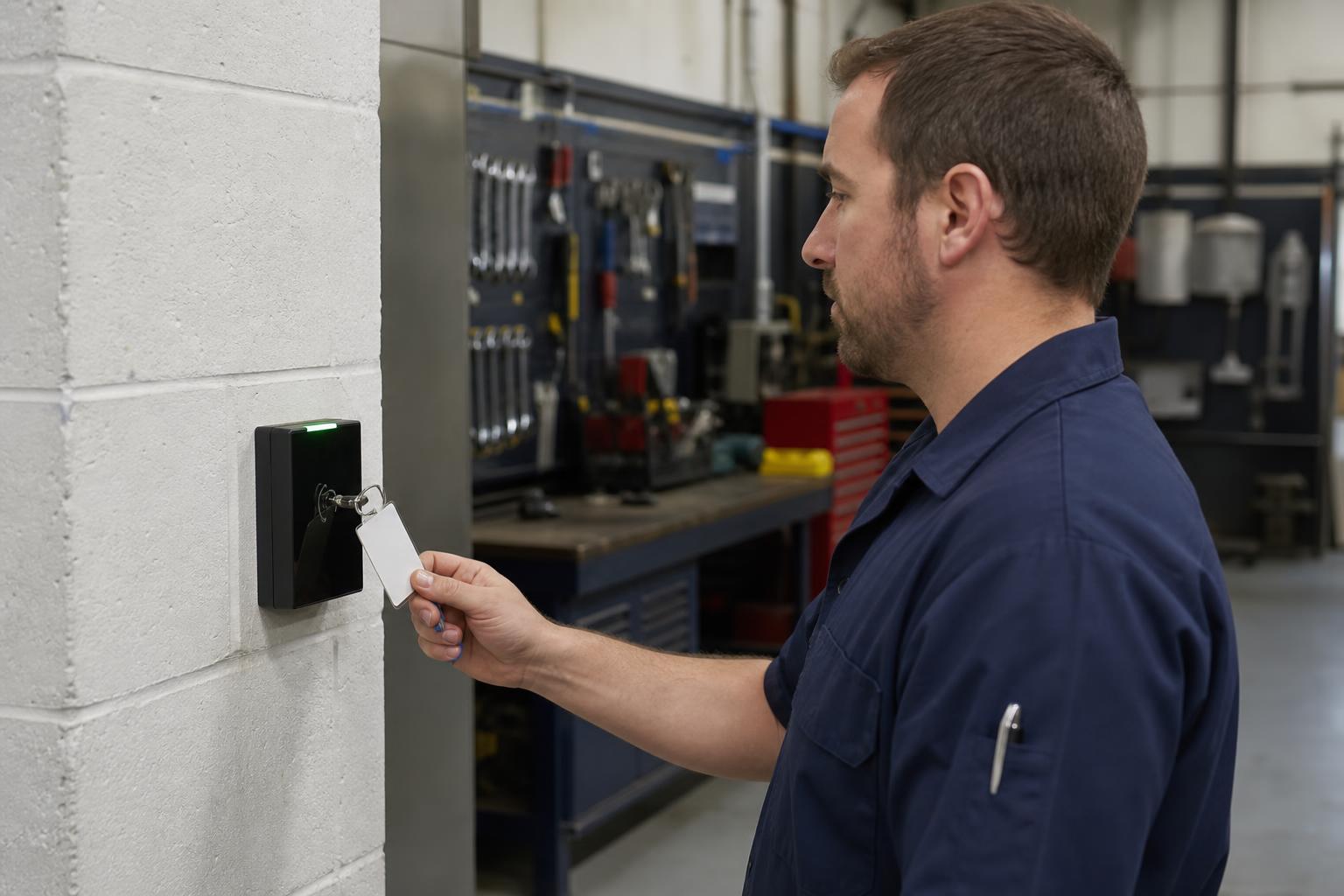
Service reports and payroll-ready records
Each service visit produces a clean record: time, tasks, materials, photos, notes. Export them for customers, billing, and payroll.
One maintenance workforce system, multiple connected workflows
Pick the area where you want to start improving service consistency.
Maintenance scheduling
Dispatch technicians by customer, site, or skill.
Technician GPS time tracking
Verified arrival at every customer site.
Repair task management
Standard checklists, materials, and notes.
Service photos and notes
Before/after photos and customer notes.
Maintenance reports
Per-visit reports for customers and billing.
Payroll-ready records
Clean technician timesheets and exports.
Built for repair, service, and maintenance teams
Grownu is useful for any company that dispatches technicians to customer sites or maintains equipment across many locations.
- HVAC and refrigeration service
- Electrical service contractors
- Plumbing service companies
- Appliance and equipment repair
- Elevator and access service
- Pool and spa maintenance
- Industrial and facility maintenance
- Property maintenance teams
- IT/AV field service teams
Frequently asked questions
Can Grownu dispatch technicians by skill?
Yes. Grownu helps repair and maintenance teams schedule technicians by skill set, customer site, service request, route, or recurring maintenance contract.
Does Grownu verify that a technician was on site?
Yes. GPS time tracking and per-site geofences help confirm that technicians clocked in at the correct customer location.
Can technicians record materials used on a repair?
Yes. Technicians can record materials, parts, notes, and completed service tasks against the repair or maintenance visit.
Can technicians add photos and notes to service records?
Yes. Technicians can add before and after photos, issue notes, customer comments, and repair documentation from the mobile app.
Can service records be shared with customers?
Yes. Approved service records can be exported into customer-ready reports with time, tasks, materials, photos, notes, and visit details.
Can Grownu support both mobile and terminal clock-ins?
Yes. Mobile GPS clock-ins, wall-mounted terminals, RFID badge clock-ins, and outdoor terminals can all feed into the same timesheet.
Can Grownu prepare payroll-ready records for maintenance teams?
Yes. Grownu prepares payroll-ready time and attendance records by technician, customer site, service job, and shift so teams can review exceptions before payroll.
Run a more consistent maintenance operation
Grownu connects dispatch, GPS time, service tasks, photos, materials, and reports — so every service call ends with a clean record.

